How to Access Home?
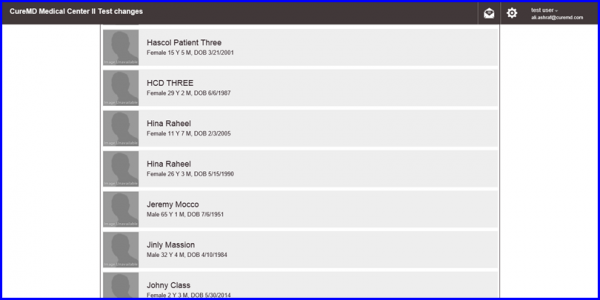
After logging in, a list of patients appears from where the user can select the desired Patient.
After selecting a patient, the Home screen appears. Clinical Overview of the patient’s medical data is available here. The user can view his record and set up Appointments from this page.
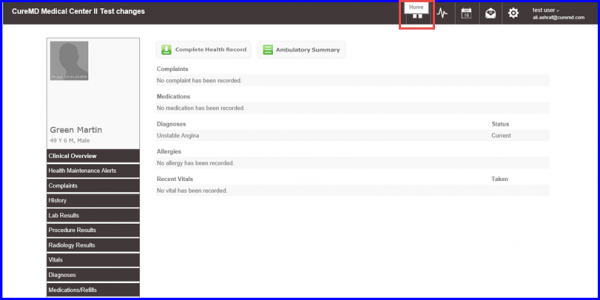
From the left tree menu, users access the following components:
- Diagnosis
- History
- Provider Notes
- Lab Results
- Immunizations
- Complete medical data of the desired patient.
Users can also view and download the ‘Complete Health Record’ and ‘Ambulatory Summary’.
