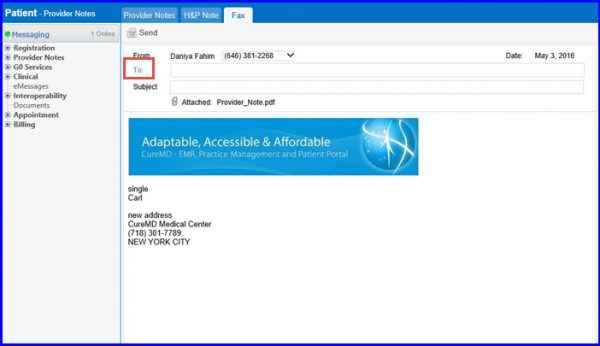
How to eFax – Provider Notes
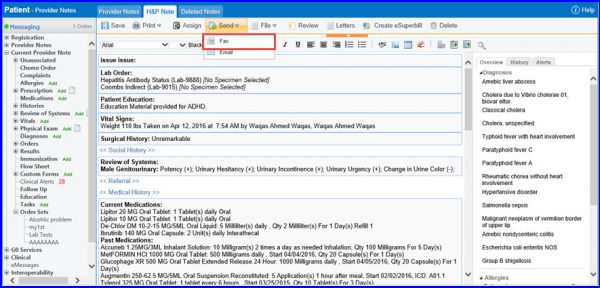
In order to send ‘Provider Notes’ via ‘eFax’, follow the workflow mentioned above to land on the ‘Provider Notes’ screen. Hover on ‘Send’ button to display the dropdown menu. Click on ‘Fax’.
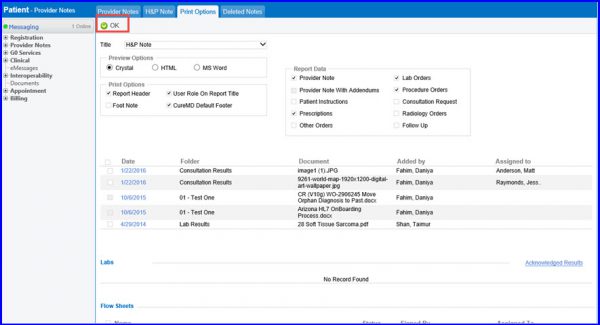
Make any changes required if you wish to print the report and then click OK.
The eFax console will open. In order to learn how to use the eFax console, click here