How to eFax – Clinical Summary
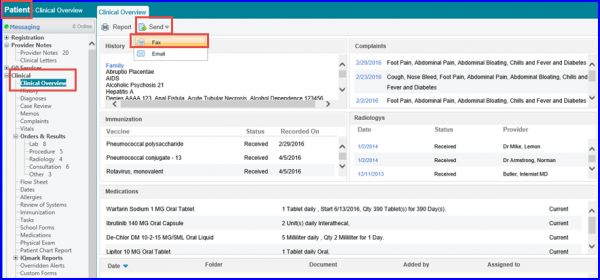
To send a patient’s clinical summary over eFax, follow the workflow mentioned above to land on the ‘Clinical Overview’ screen. Hover on ‘Send’ button to display the dropdown menu. Click on ‘Fax’.
The Deidentify Patient Information popup will be displayed. Here, users can deidentify the required patient information elements from the report.
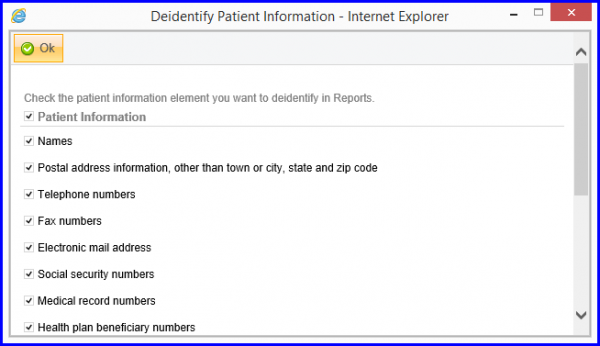
When done, click on OK.
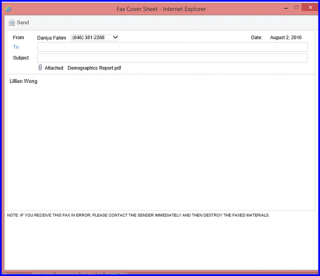
The Fax Cover Sheet pop-up appears. In order to learn how to use the eFax console, click here