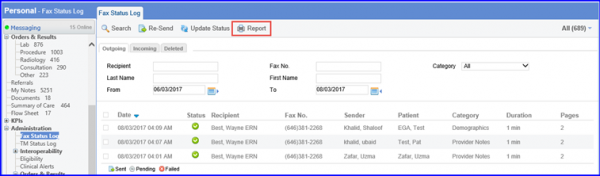
How to locate Outgoing Faxes?
On the outgoing fax log screen, there are various search filters that can be used to search for the required fax.
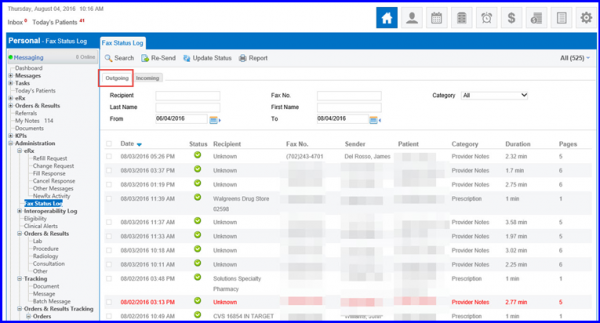
Faxes are categorized by the following:
- Date
- Status
- Recipient name
- Fax Number
- Sender name
- Patient name
- Category of the fax
- Duration of sending or receiving time
- Number of pages that the fax contains.
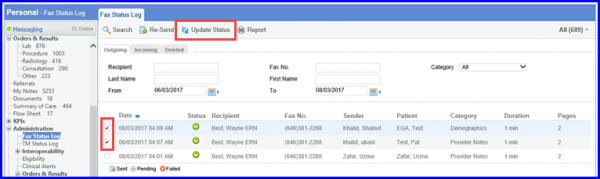
To fetch the latest status for an outgoing fax, enable the checkbox next to the required fax and click on ‘Update Status’.
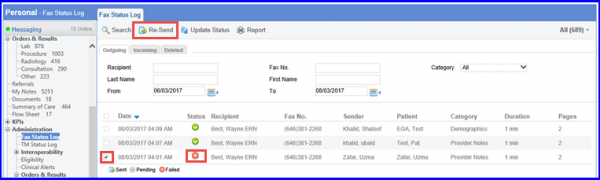
Faxes that did not go through can also be sent again (whose status is failed). Enable the checkbox next to the required fax and click on ‘Re-Send’.
A report can be viewed for the total number of faxes and pages sent by clicking on the Report icon.