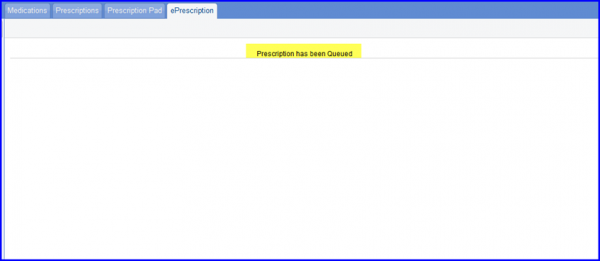
How to Redirect towards the Logic Access Control?
Once the prescriber clicks on the ‘eRx’ button on the prescription screen, the system will redirect to the Logic Access Control screen. Here the prescriber ID is verified via a 2-factor authentication process.
1. Enable the checkbox next to the medication that needs to be electronically prescribed.
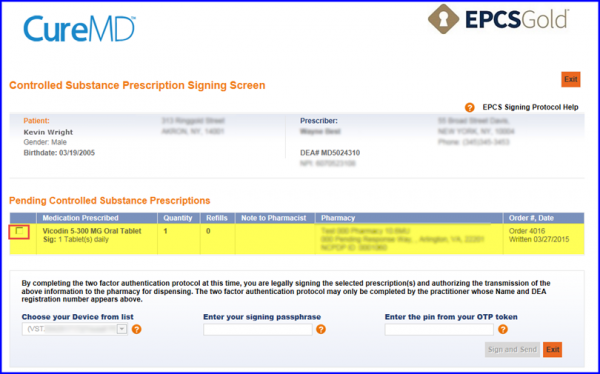
2. Choose the token device from the list
3. Enter the pass phrase
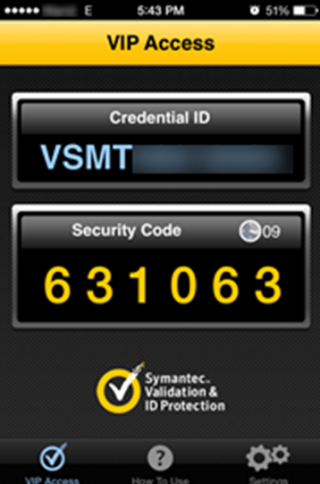
4. Enter the 6-Digit OTP token (available on your smart phone)
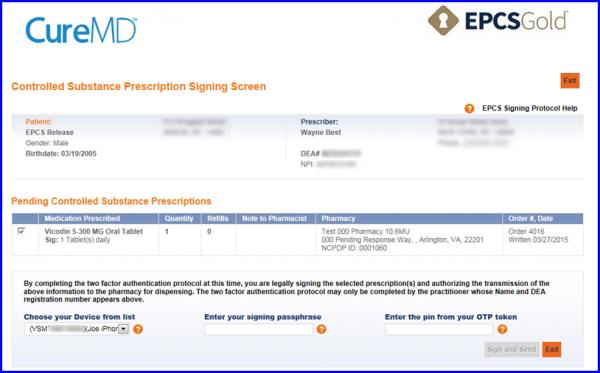
After that, the prescriber has to click on ‘Sign and Send’ button. Now, the status of the prescription shall change to ‘Queued’.