How to Search a Patient?
Follow the workflow mentioned above to land on the ‘Patients’ screen. This section displays the search criteria, a list of patients, and their current status.
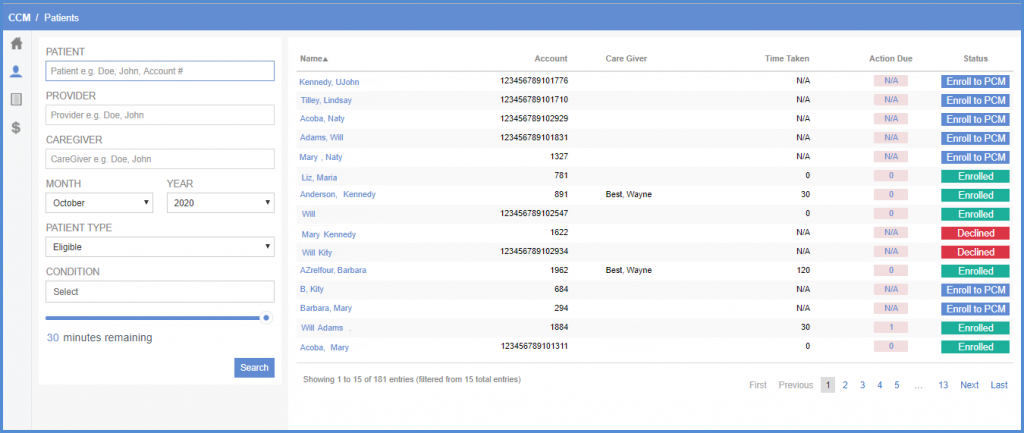
Users can set search criteria with the following fields:
- ‘Patient’
- ‘Provider’
- ‘Caregiver’
- ‘Month’
- ‘Year’
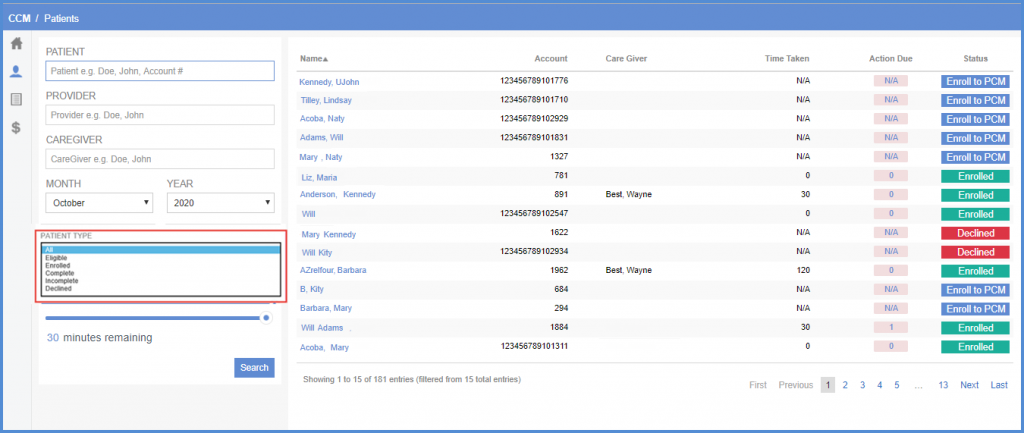
- ‘Patient Type’ dropdown
- ‘Condition’ list
- ‘Minutes Remaining’ scroll bar
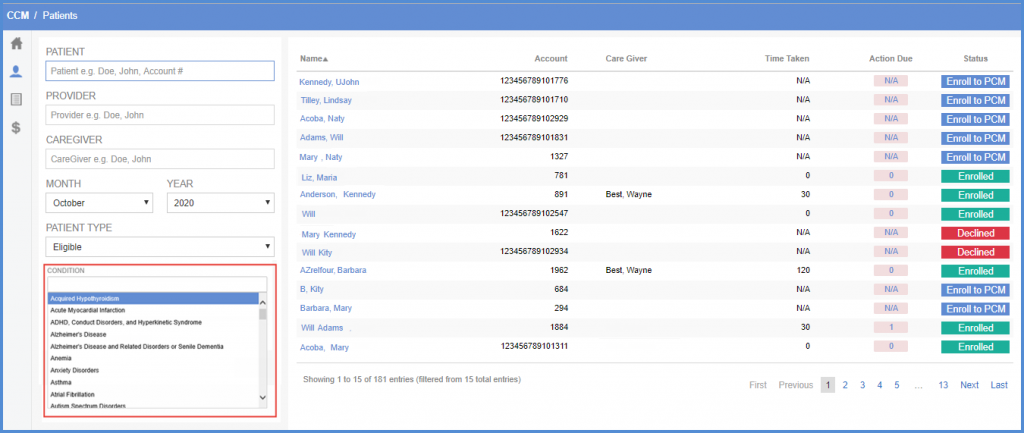
Click ‘Select’ to see ‘Conditions’ list.
Select the required values of search fields and click ‘Search’ to view customized patients list.
