How to Add Goals?
Click the pencil icon to open the list of goals.
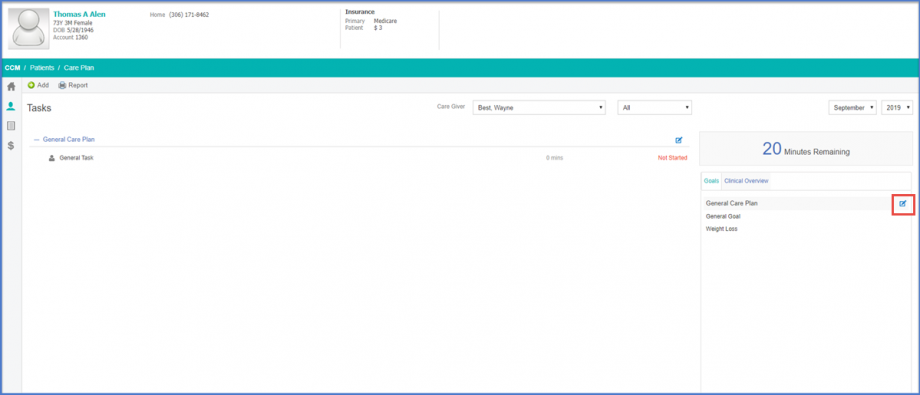
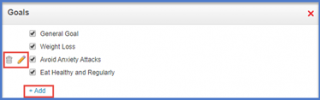
To add Goals, click ‘Add’ button. A list of predefined goals will be displayed.
To select predefined goals, enable the checkbox next to the respective goal.
To delete existing goals, click the ‘Delete’ icon.
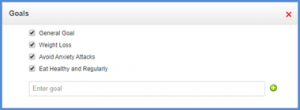
Clicking ‘Add’ will display ‘Enter Goal’ text box. Users can add the required goal title here. Clicking (+) icon adds the goal to the care plan.