How to access an eSuperbill Screen?
For accessing the eSuperbill screen, follow the below mentioned steps:
- Go to the Patient’s Profile.
- Tap on the Patient Menu icon from the Patient Demographics section located on the top.
- This opens the Patient Menu as the following popup:
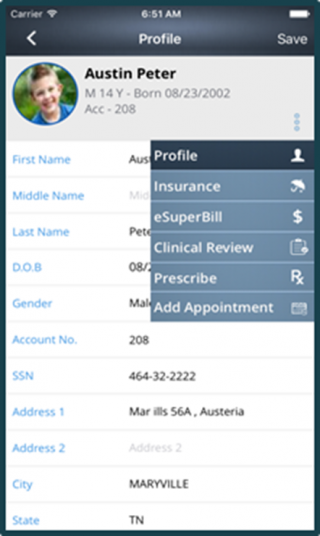
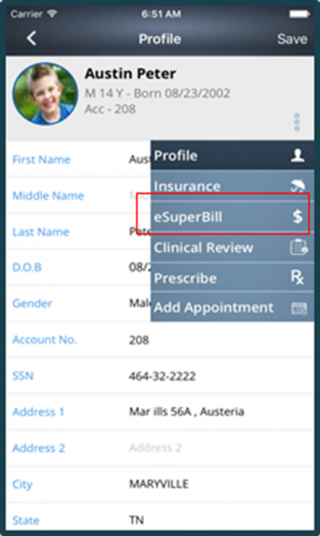
- Tap on the eSuperbill option in order to select it.
- Upon selection following screen is displayed:
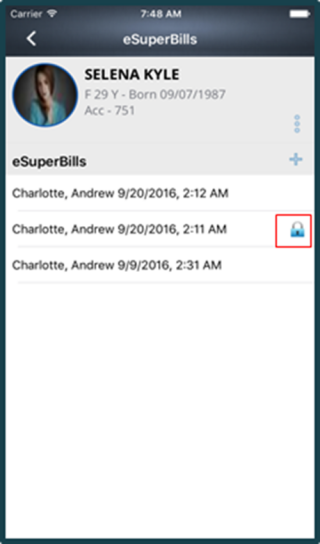
- This screen contains the list of the patient’s eSuperbills. The bills having a Lock icon in front of them shows they are signed.
