How to View and Edit Patient Insurance Information?
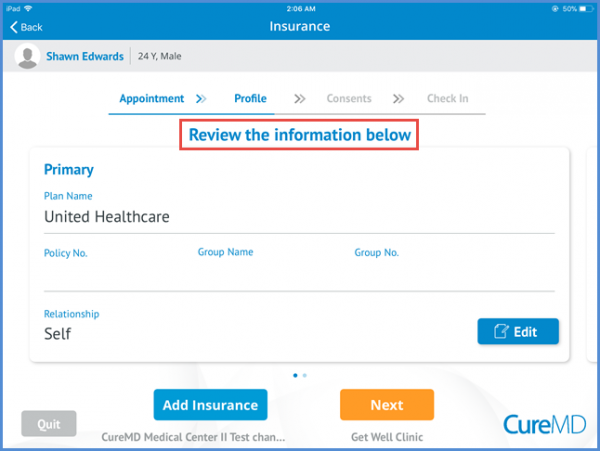
Within the patient profile information, patient can review and update the insurance information.
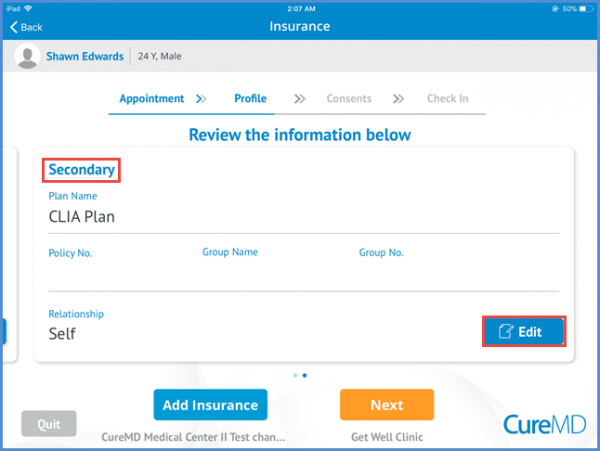
Sliding the screen on the left side patient can see the secondary/tertiary plans as well. Patients can edit their insurance plan information by clicking on the ‘Edit’ button.
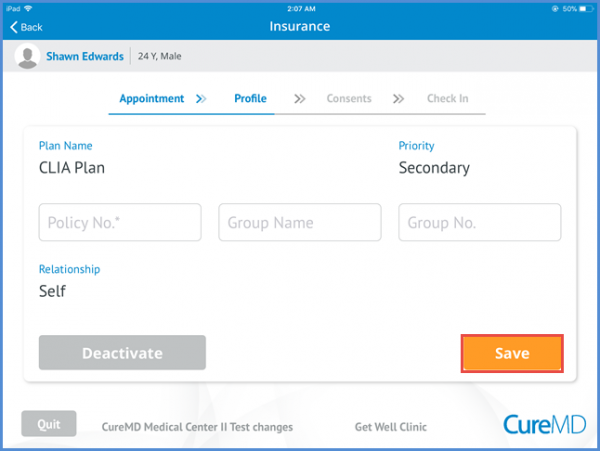
Patient can enter the policy number, group name and group no. and click the ‘Save’ button to save the changes.