How to View Patient Contact Details?
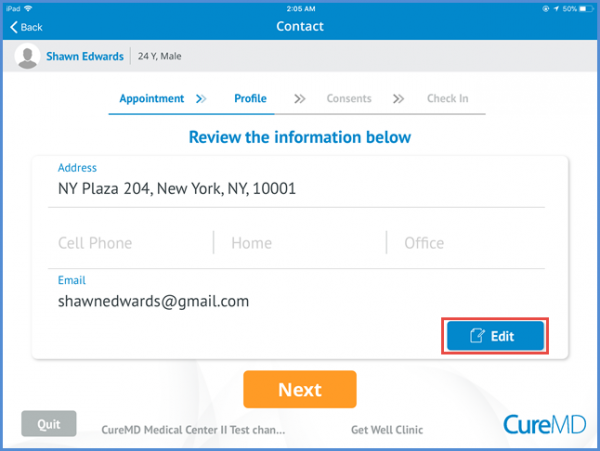
Patient’s address, contact number and email id can be seen on this page. Patient can edit the contact information by clicking the ‘Edit’ button.
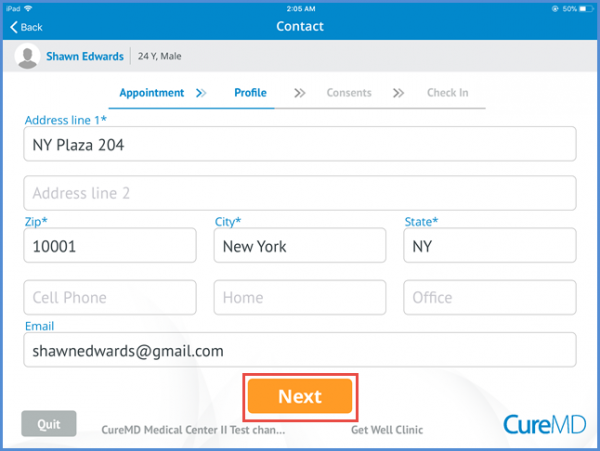
After editing the contact information user can save the changes by clicking the next button.
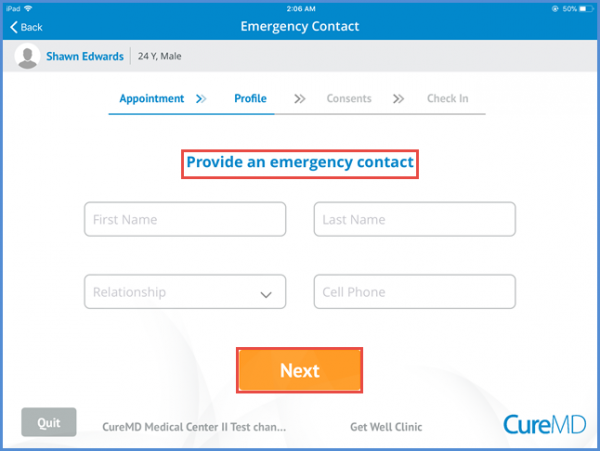
The ‘Next’ button navigates the patient to provider an emergency contact information. Patient can save the information by clicking the ‘Next’ button.