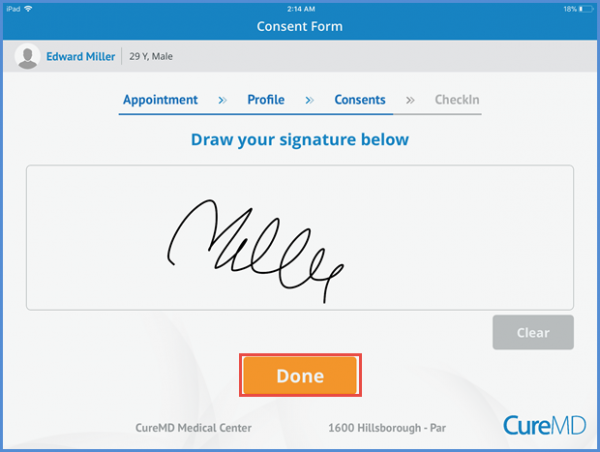
How to View and Sign a Consent Form?
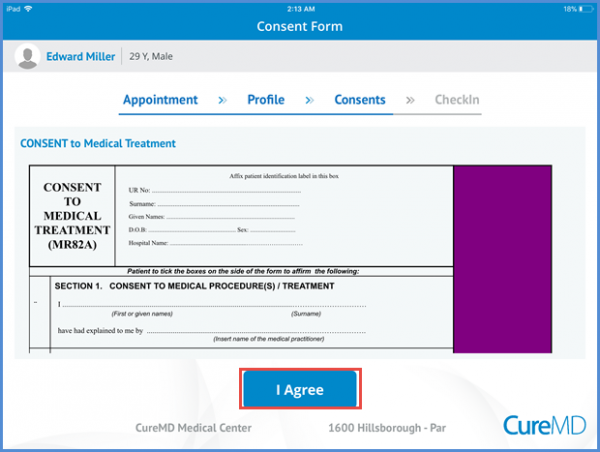
After the insurance information, patient is able to view the consent form. Only those consent forms can be viewed that are allowed by the practice to be viewed on the CureMD KIOSK.
Patient can tap the ‘I Agree’ button under the consent form if affirm the given information.
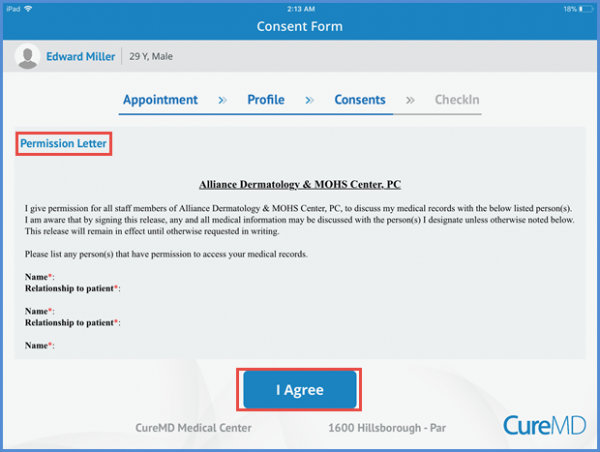
Patient can see the permission letter on the consents screen. Tapping the ‘I Agree’ button at the bottom of the screen, the mentioned person is allowed to discuss the patient’s medical records.
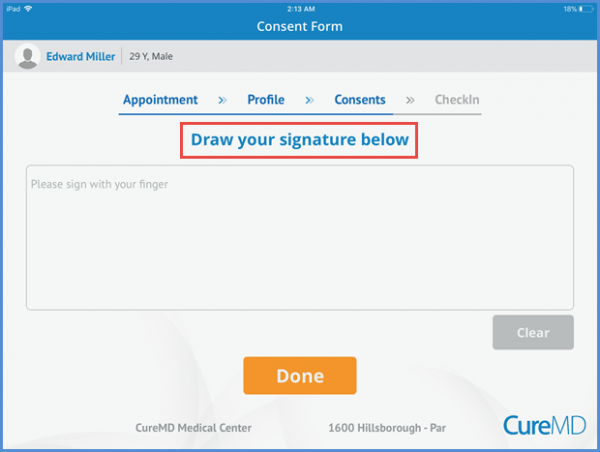
Patient can sign the consent form by drawing the signature on the screen.
After adding the signature, patient can tap the ‘Done’ button at the bottom of the page.