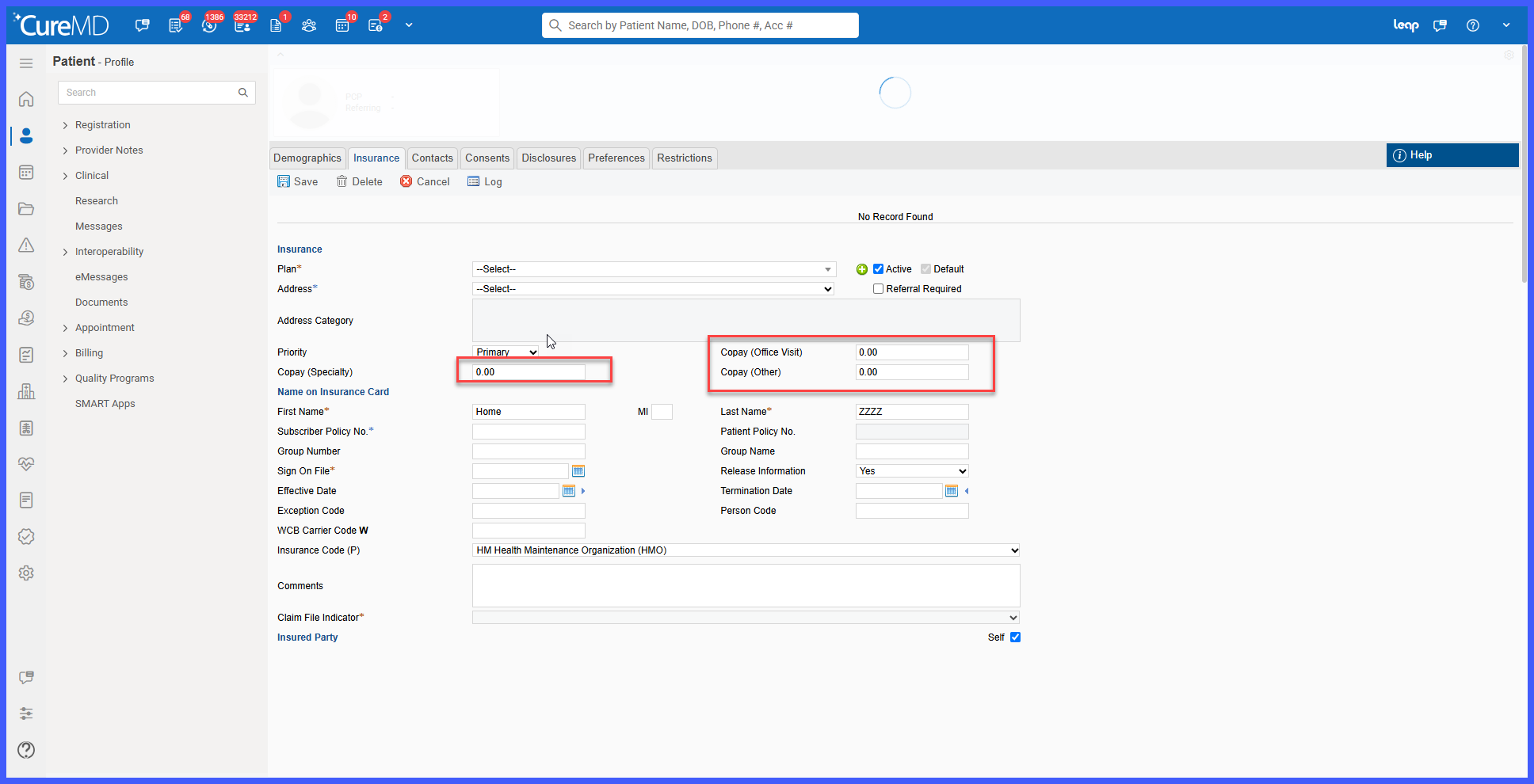
Enhanced Copay Validation for Specialty and Other Copay Fields
Enter Copay (Speciality)
Enter Copay (Other)
What’s New
- Both Copay (Speciality) and Copay (Other) fields now support numeric values, including decimal amounts.
- Alphabetic characters are rejected.
- Special characters are rejected, except for the decimal point (.).
- Copay amounts cannot exceed 99,999.99.
- When invalid alphabetic or special characters are entered, the system displays:
“Please Enter Numeric Values. e.g.,9999” - When the entered copay exceeds the maximum limit, the system displays:
“Copay amount can not be greater than 99999.99” - Users cannot save the insurance record until invalid copay values are corrected.
How It Works
- Navigate to the Insurance module and create or edit an insurance record.
- Enter a value in either the Copay (Speciality) or Copay (Other) field.
- The system validates the entered value to ensure it contains only numeric characters and, when applicable, a decimal point.
- If alphabetic or unsupported special characters are entered, the system displays the numeric-value validation message.
- If the entered amount exceeds 99,999.99, the system displays the maximum-value validation message.
- Correct the invalid value before saving the insurance record.
 Benefits
- Improves data integrity by preventing invalid copay values from being saved.
- Reduces manual entry errors in insurance records.
- Provides consistent validation across both copay fields.
- Prevents excessively large copay amounts from being stored.
- Provides clear validation messages to help users correct invalid entries quickly.
