How to Display Clinical Reference in Order Sets?
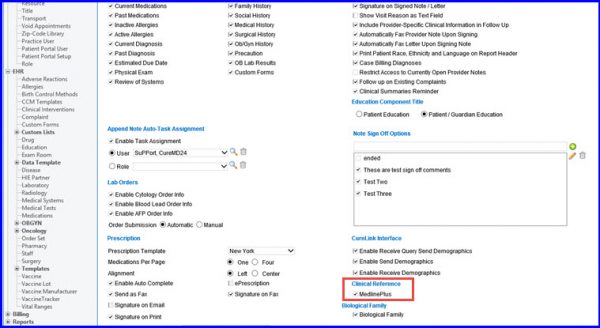
Follow the above mentioned workflow to land on the EHR tab.
To display ‘Reference Data’ in a specified Order Set, go to ‘Clinical Reference’ and enable the ‘MedlinePlus’ checkbox.
Following the below mentioned workflow, land on the ‘Order Set’ screen.
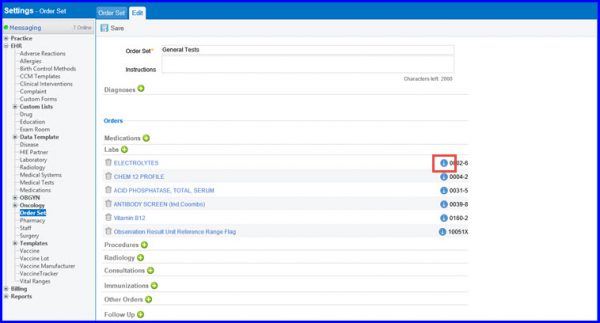
‘Settings > EHR > Order Set’
Click the information icon ( ) against the relevant order set to view associated reference data.