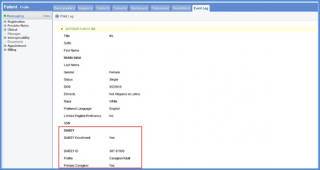
How to View Patient Demographics Update Log?
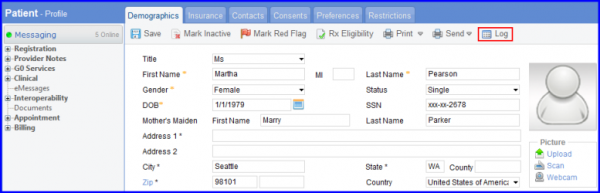
Follow the workflow above to land on the Demographics page; then click the Log button.
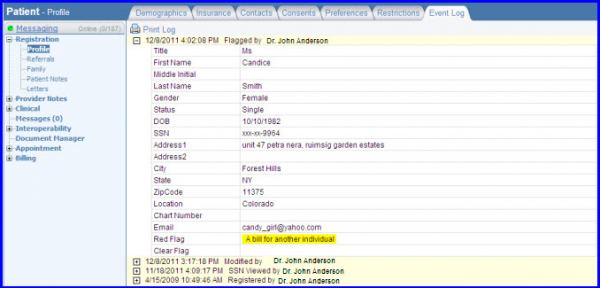
A log is maintained in the Event Log for all the activities occurring in the DAISEY Enrollment section. 
This helps the provider see what changes have been made in the DAISEY Enrollment section along with other details associated with the change.