How to Add/ Edit Custom Fields in Demographics?
Follow the workflow above to land on the ‘Demographics’ screen.
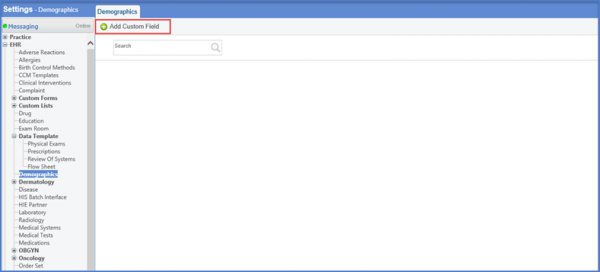
Click the ‘+Add Custom Field’ button.
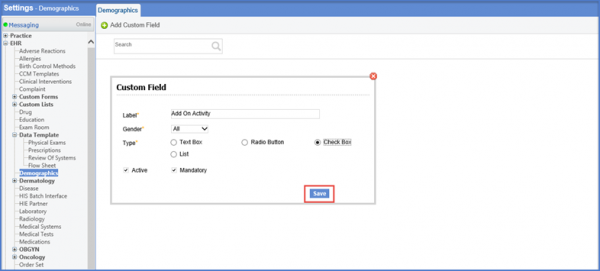
This will display the ‘Custom Field’ pop-up.
Insert the Label, Gender and select the Type from the options available.
Click ‘Save’ once done.