How to Configure Settings to Add Title and Suffix to Patient’s Profile?
Follow the above mentioned workflow to land on the ‘EHR’ page.
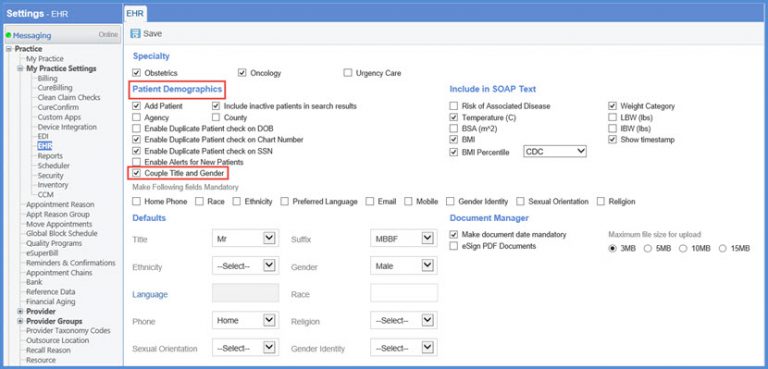
Go to the ‘Patient Demographics’ section. Disable the ‘Couple Title and Gender’ checkbox.
Go to the ‘Defaults’ section. Here, set the default values for the ‘Title’ and the ‘Suffix’.
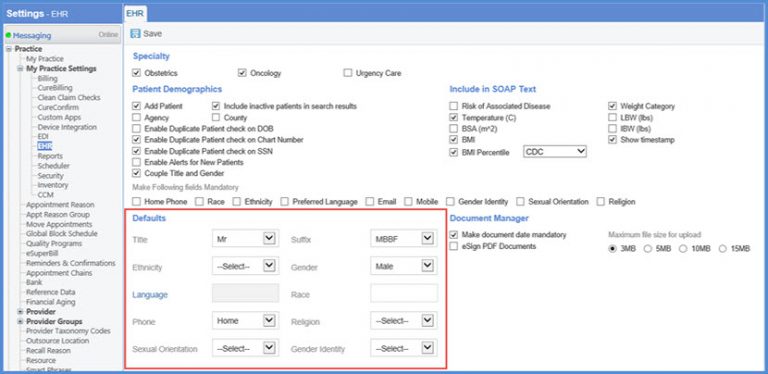
While adding the title to the patient demographics if the ‘Couple Title and Gender’ checkbox is enabled; the gender is set automatically according to the title.
