Retain Dropdown Filter Selections Across Provider Note Tabs
My Provider Notes
Administration Provider Notes
What’s New
- Dropdown selections made within applicable Provider Note/EHR tabs are retained during the current session.
- When a physician selects an option from a dropdown, navigates to another tab, and returns, the previously selected option remains automatically selected.
- Normal tab navigation no longer silently resets or clears applicable dropdown selections.
- The behavior is supported across the applicable Provider Note workflows, including:
- Personal > My Provider Notes
- Personal > Administration > Provider Notes
- Filter retention is not required on Patient > Provider Note > Deleted.
How It Works
- Open an applicable Provider Note/EHR workflow.
- Select an option from an available dropdown filter.
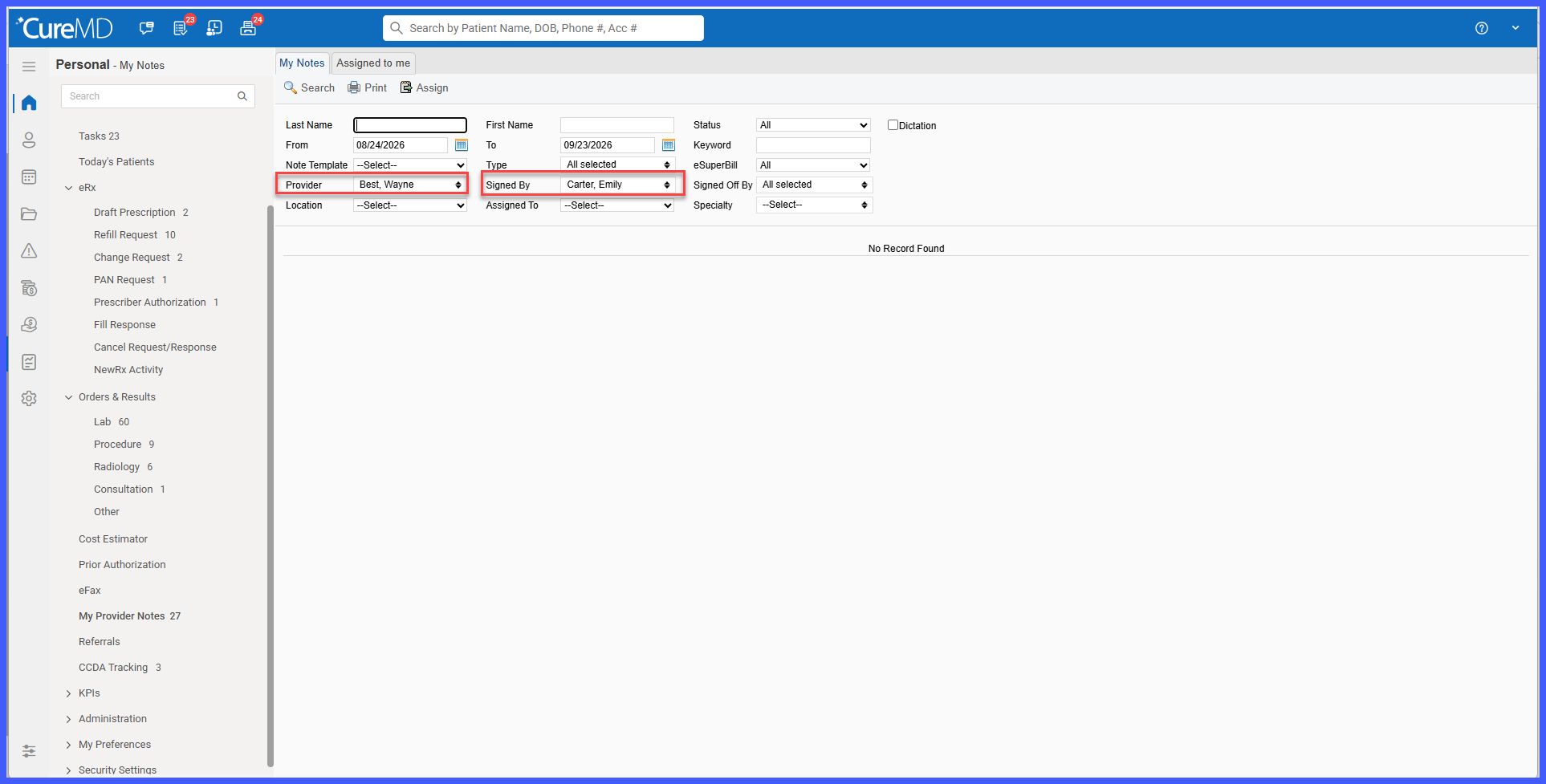
- Navigate to another tab within the Provider Note/EHR screen.
- Return to the original tab.
- The previously selected dropdown option remains selected for the current session.
- Continue navigating between applicable tabs without repeatedly applying the same dropdown selection.
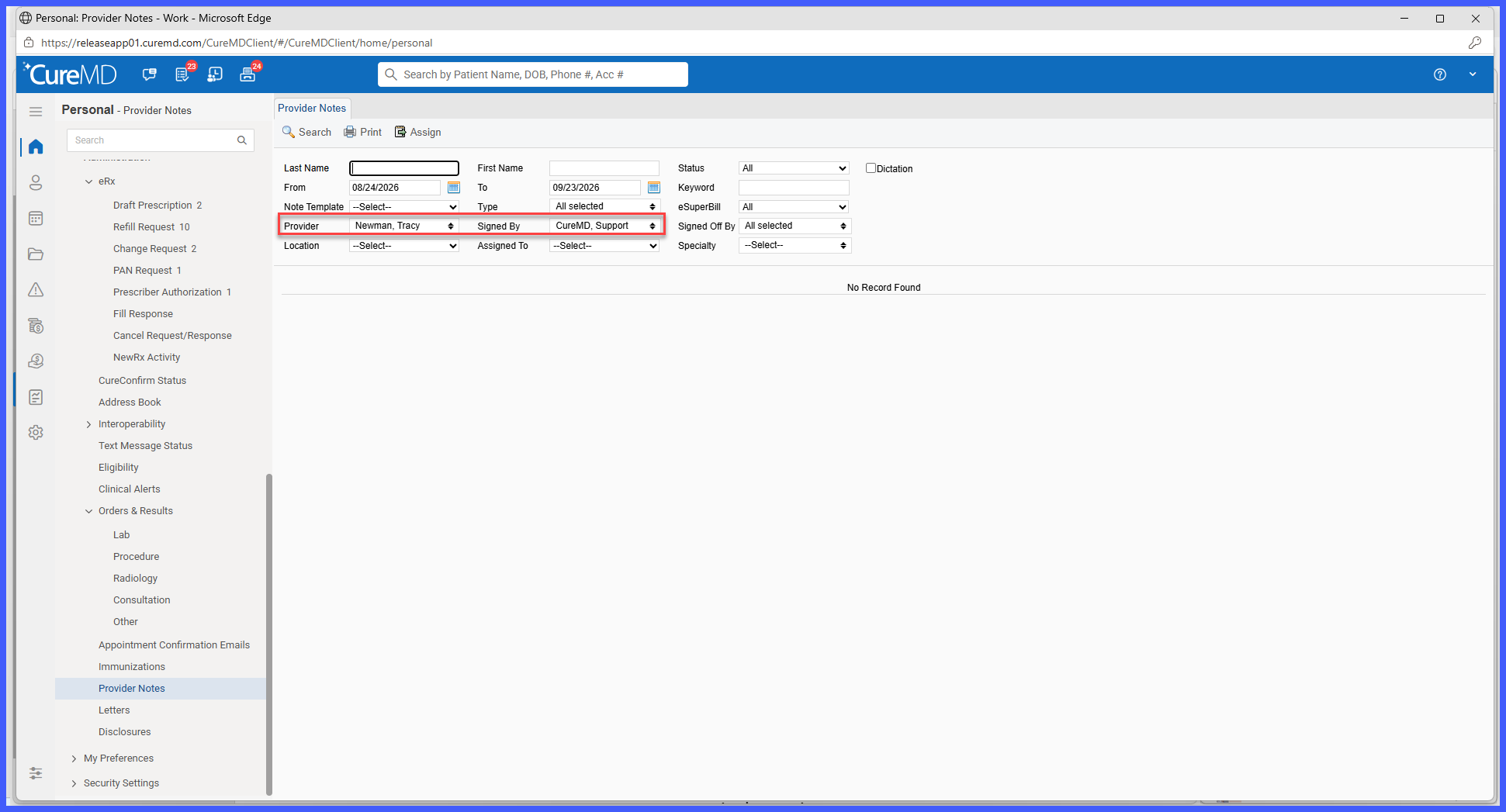 Benefits
- Reduces repetitive clicks when physicians move between Provider Note tabs.
- Eliminates the need to repeatedly select the same dropdown filters during the current session.
- Improves charting efficiency by preserving the physician’s working context.
- Provides more consistent and predictable filter behavior across applicable Provider Note workflows.
- Prevents applied dropdown selections from being unintentionally cleared through normal tab navigation.
