User Preferences > General > Select Sorting Option (Most Recent to Oldest / Oldest to Most Recent) > Save
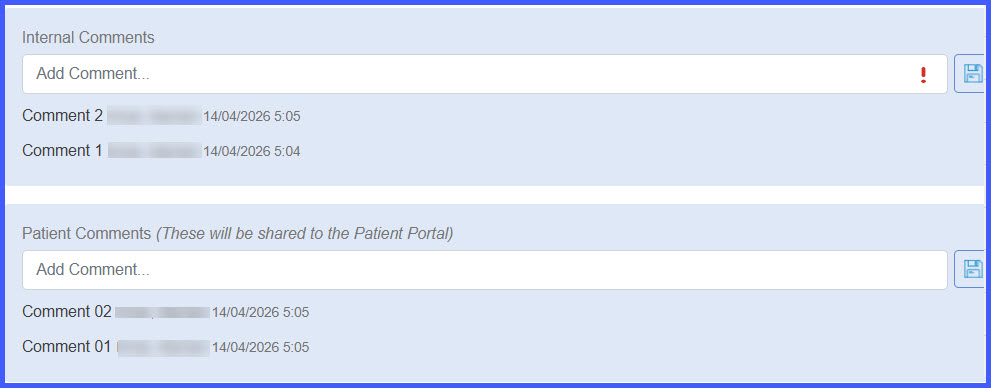
Personal / Provider Note / Clinical / Administration / SOAP / Reports > Open Results > Notes/Comments Display Based on Selected Preference
What’s New
- A new setting added under User Preferences > General for sorting result notes/comments.
- Two sorting options available:
– Most Recent to Oldest (default)
– Oldest to Most Recent
- Selected preference is saved for future sessions.
- Sorting preference applies across all result workflows, including:
– Personal
– Provider Note
– Clinical
– Administration
– SOAP
– Reports
- Dual-column layout for notes/comments has been removed for a simplified, single-column view.
How It Works
- Navigate to User Preferences > General.
- Locate the result notes/comments sorting option.
- Select either Most Recent to Oldest or Oldest to Most Recent.
- Save preferences.
- The selected sorting order is applied across all result-related screens and persists for future sessions.
Benefits
- Provides flexibility in how users view result notes and comments.
- Ensures consistent sorting behavior across all result workflows.
- Improves readability with a simplified layout.
- Enhances user experience by persisting preferences across sessions.