Copay Handling Enhancements for Appointment Status Changes & Recurring Appointments
What’s New
-
Automatic transfer of paid copays when appointment status changes occur.
-
Consistent behavior across single, recurring, and chain view appointments.
-
Copays move to Patient Advances (Payment Without Appointment) when appropriate.
-
Copays transfer automatically to newly scheduled appointments during rescheduling.
-
Informational confirmation messages display upon saving status changes.
-
No UI changes; updates are backend-only to ensure standardization.
How It Works
-
When an appointment is canceled (single appointment):
-
If a copay was paid, it is automatically moved to Patient Advances as Payment Without Appointment.
-
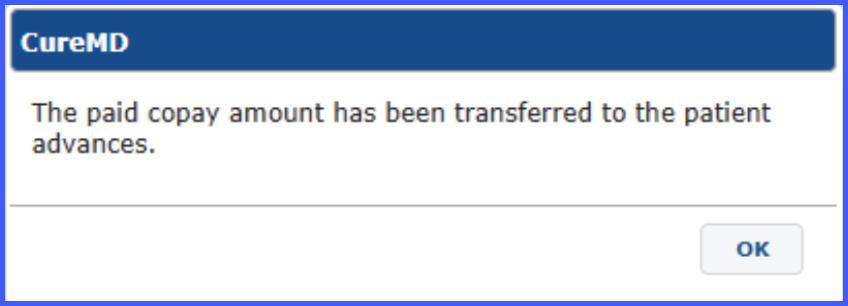
Confirmation message: “The paid copay amount has been transferred to the patient advances.”
-
-
When an appointment within a recurring series or chain view is canceled:
-
Any associated paid copay is moved to Patient Advances.
-
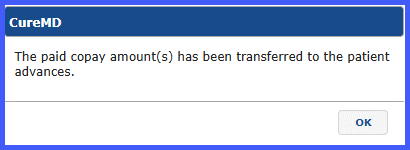
Confirmation message: “The paid copay amount(s) has been transferred to the patient advances.”
-
-
When a checked-in or cancelable appointment is rescheduled (single appointment):
-
The paid copay is transferred to the newly scheduled appointment.
-
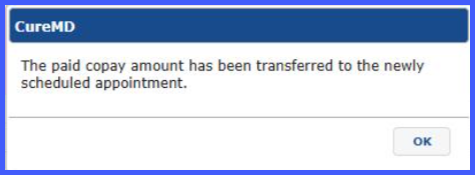
Confirmation message: “The paid copay amount has been transferred to the newly scheduled appointment.”
-
-
When a recurring or chain view occurrence is rescheduled:
-
The paid copay associated with that specific occurrence is transferred to the newly scheduled appointment.
-
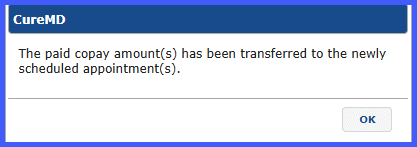
Confirmation message: “The paid copay associated with this recurring appointment has been transferred to the newly scheduled appointment.”
-
-
When a single appointment is marked as No Show:
-
Any paid copay is moved to Patient Advances.
-
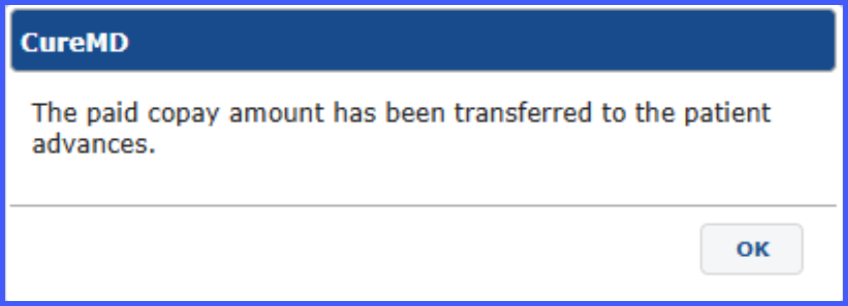
Confirmation message: “The paid copay amount has been transferred to the patient advances.”
-
-
When a recurring or chain view appointment is marked as No Show:
-
The paid copay associated with that occurrence is moved to Patient Advances.
-
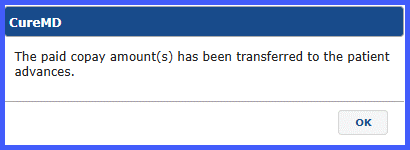
Confirmation message: “The paid copay amount(s) has been transferred to the patient advances.
-
Benefits
-
Ensures accurate and consistent handling of paid copays across appointment status changes.
-
Prevents billing discrepancies when appointments are canceled, rescheduled, or marked as No Show.
-
Standardizes copay transfer behavior across single and recurring workflows.
-
Provides clear confirmation messages to reduce user confusion.
-
Maintains financial integrity without requiring changes to existing workflows.
