Automatic Copay Transfer on Novel Health Appointment Rescheduling & Cancellation
What’s New
Cancellation
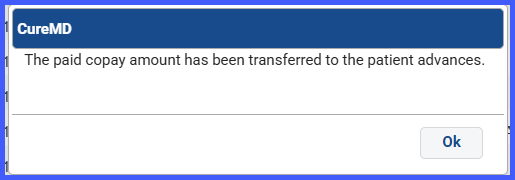
- Detects paid online copay and prompts: “Move the copay to Patient Advance?”
- Additional payments follow existing logic and are added to other appointments as applicable.
- Prompt appears consistently across all cancel paths.
 Rescheduling
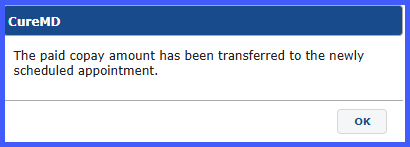
- Detects paid online copay and auto-transfers it to the newly scheduled appointment on Save.
- Shows confirmation: “The paid copay amount has been transferred to the newly scheduled appointment.”
- Applies across all reschedule workflows.
 Chain Appointments
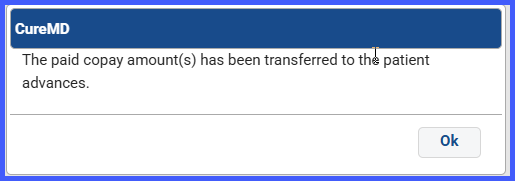
- Cancel (chains): Prompt appears per appointment; choose whether to move each copay to Patient Advance.
- In case of Cancellation of a chain appointment:
- In case of Cancellation of a chain appointment:
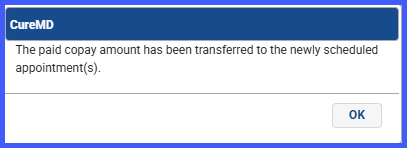
- Reschedule (chains): Shows adjusted confirmation: “The paid copay amounts (if any) have been transferred to the newly scheduled appointments.”
- In case of Rescheduling a chain appointment:
- In case of Rescheduling a chain appointment:
Benefits
- No lost copays — funds preserved automatically.
- Consistent process — uniform handling across cancel/reschedule.
- Accurate records — credits and links tracked for future visits.
