Prescription and Refill Restrictions for Inactive Patients Across All Workflows
What’s New
When a patient’s status is set to Inactive, the system restricts access to prescribing and refill actions across all major prescribing workflows. In Patient Chart > Medications, Provider Note > Prescriptions, Personal > Draft Prescription, and Quick Links > Rx End Date notifications, clicking the eRx button triggers a popup informing the user that medications cannot be ePrescribed for inactive patients.
In the Personal > New Rx Activity screen, the checkbox beside an inactive patient in the list is disabled. Hovering over the disabled checkbox displays a tooltip that reads: “Medications cannot be ePrescribed for patients marked inactive.”
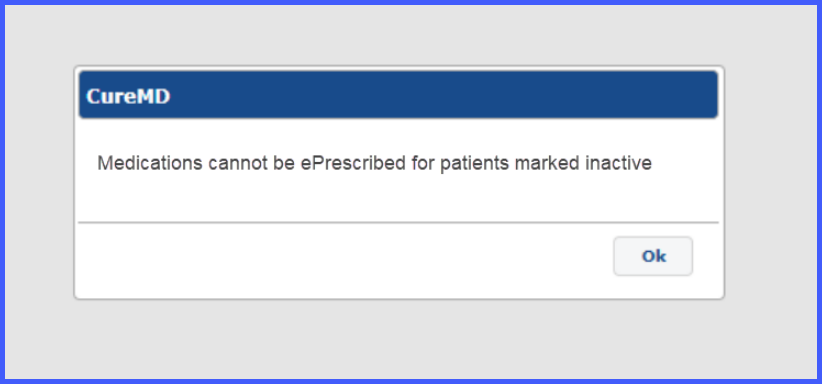
Within Provider Note > Treatment Plan, selecting the Treatment Plan section for an inactive patient also prompts a popup with the same message. Any existing draft treatment plans remain clickable but selecting them triggers the same popup restricting prescribing.
Once the patient’s status is updated from Inactive to Active, all prescription and refill functionalities across these workflows become enabled again without restriction.
