Progress Display for Diagnoses in Reports
What’s New
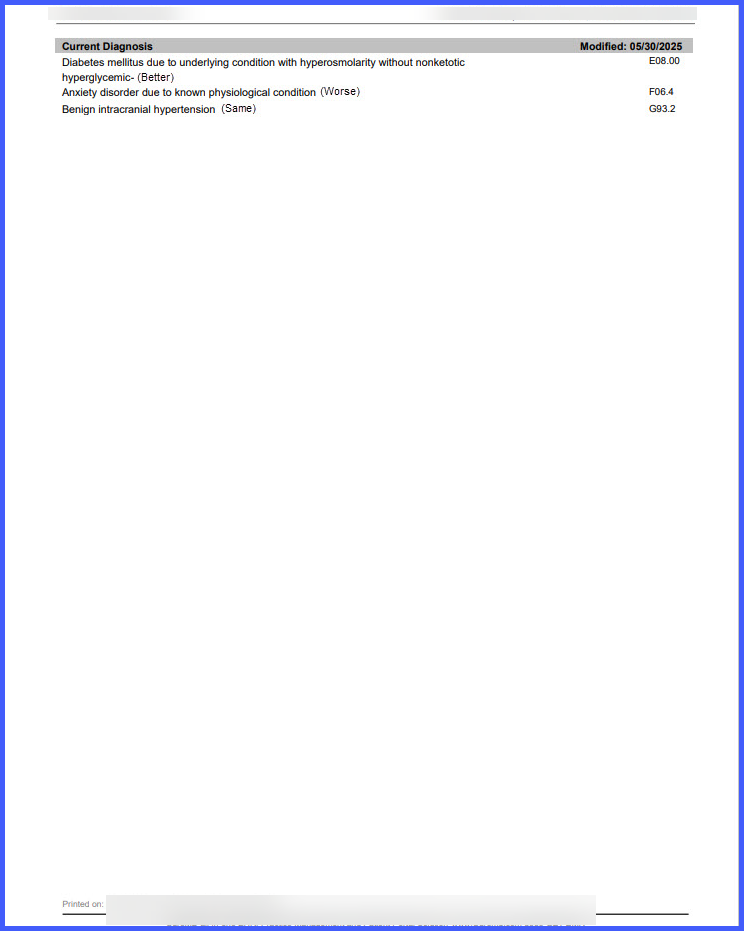
To view the bracketed progress status, the user opens a patient record, navigates to Clinical Overview, selects Report, and prints, or opens Patient Chart Report, selects Preview, and prints. When progress is recorded for a diagnosis, the report appends the progress inside brackets immediately after the diagnosis, while diagnoses without recorded progress remain unchanged, ensuring clear and accurate documentation within the application.