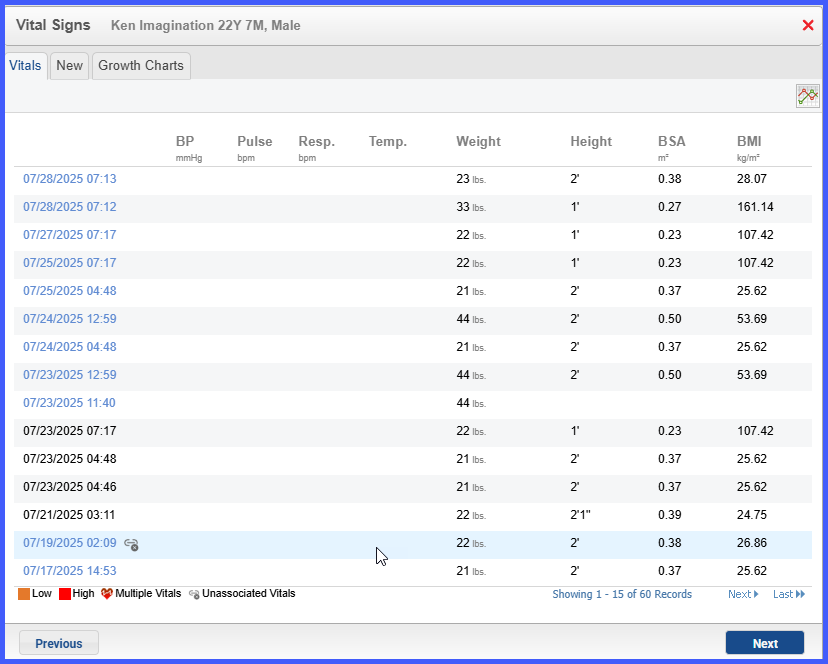
Vitals Component Links and Reuses Prior Entries in Provider Notes
What’s New
The user opens a provider note and clicks the Vitals flag or Add button. The listing displays linked vitals as blue hyperlinks and unlinked vitals with gray icons labeled “Unassociated Vitals.” When the note template contains an empty vitals flag, the system automatically inserts the earliest unlinked vitals from the same date, or the earliest linked vitals if no unlinked entries exist. Choosing a linked entry without editing preserves the original author and timestamp while linking the record to the current note. Any edits create a separate vitals record with the current user as author and timestamp.