Confirmation Pop-up for Sharing Results to Patient Portal
When a provider or authorized user selects a result and chooses to share it with the patient portal, a confirmation window appears with the message:
“Do you want to share this result with the patient?”
The window includes two options:
- Yes – Confirms and completes the action to share the result with the patient.
- No – Cancels the action and closes the window without sharing.
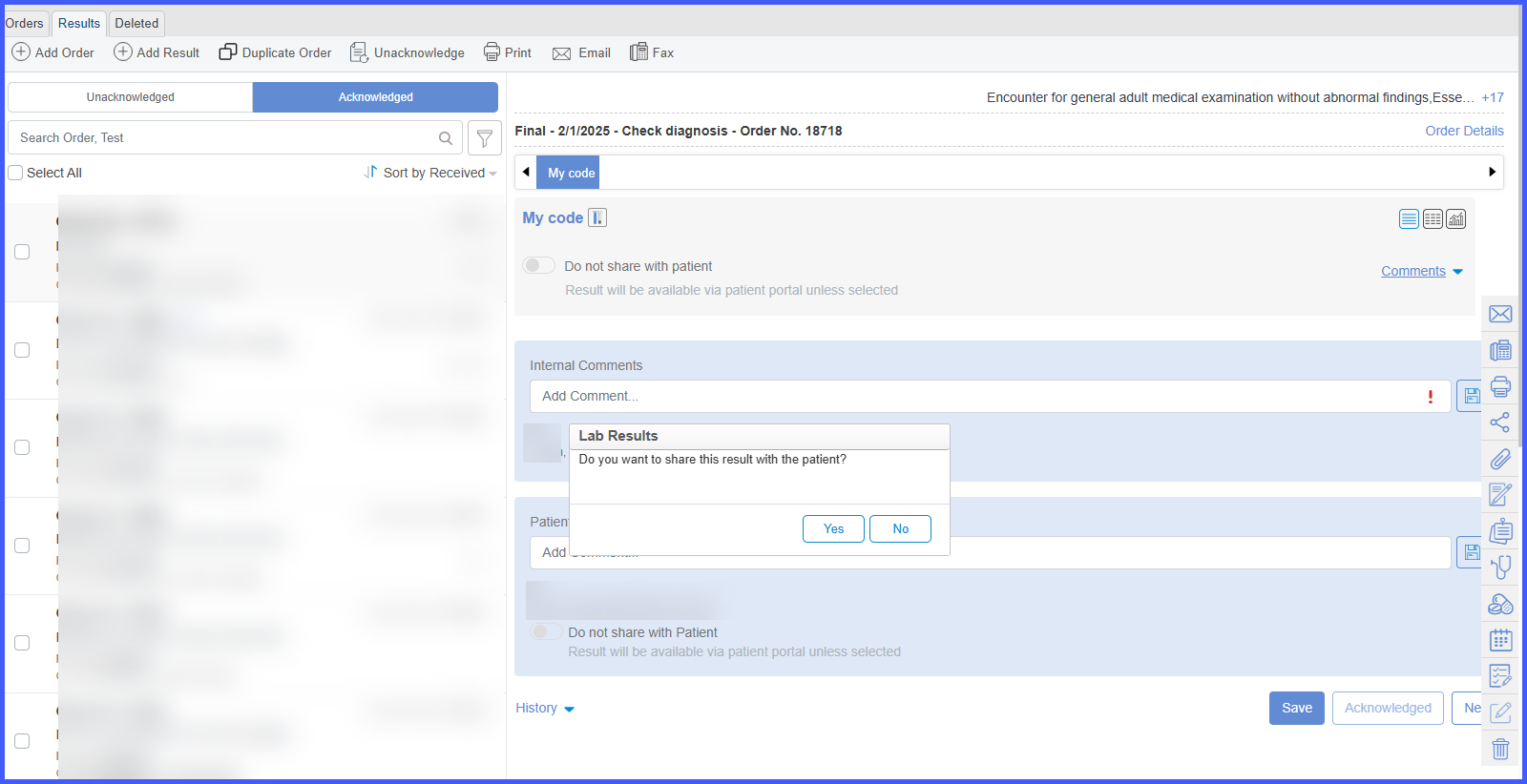
This confirmation step ensures a safeguard against unintended information release.
