How to Enable Settings For Program Code Selection On Provider Note?
Follow the above mentioned workflow to land on ‘EHR’ tab.
The ‘Program Selection’ and ‘Make Program Selection Mandatory’ checkboxes need to be enabled from ‘Billing’ settings. To know how it is done, click here.
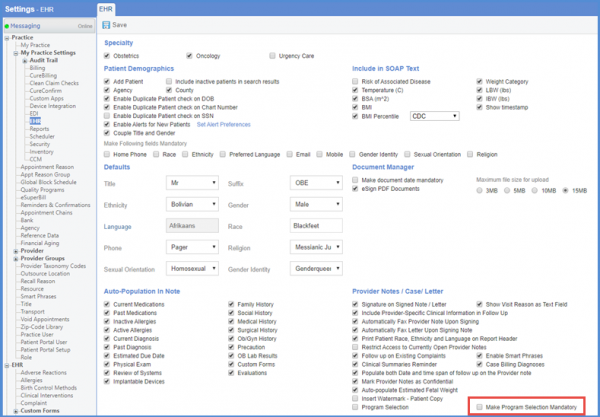
Under the ‘Provider Notes/Case/Letter’ heading, mark the ‘Program Selection’ checkbox to view the program codes popup on a provider note.
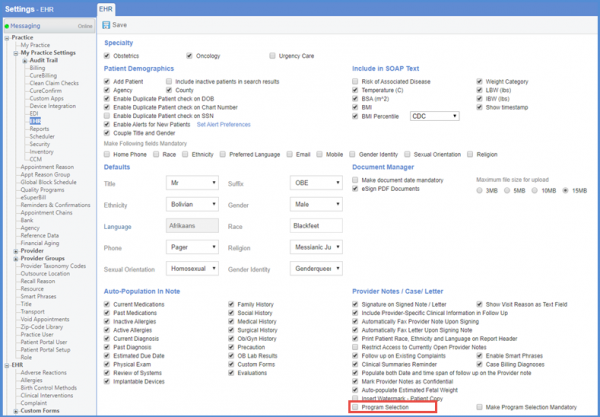
Also, to make the selection of codes mandatory, mark the ‘Make Program Selection Mandatory’ checkbox.
Once the required checkboxes have been marked, click ‘Save.’