How to Create a Diagnosis List?
Follow the above mentioned workflow to land on the ‘Diagnosis’ screen.
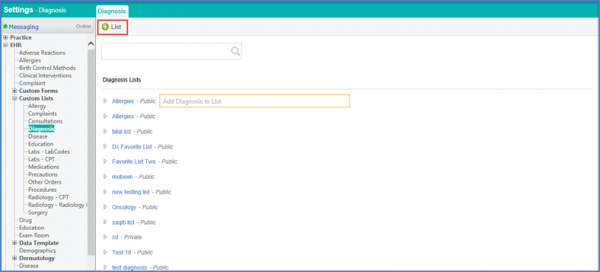
Click ‘+List’ to enter the fields under the ‘Diagnosis’ tab.
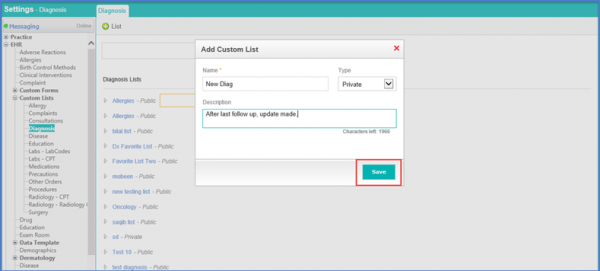
Enter the Name and Description along with the Type using the drop down menu. Click ‘Save’ once done.
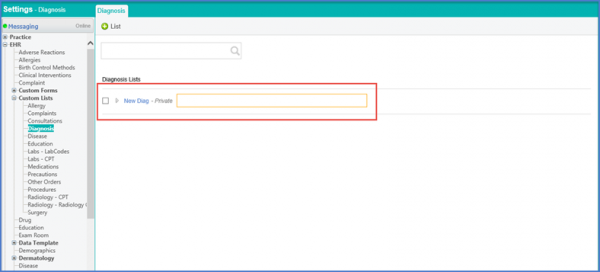
The Diagnosis Custom List is added and displayed.