How to Create a Surgery Custom List?
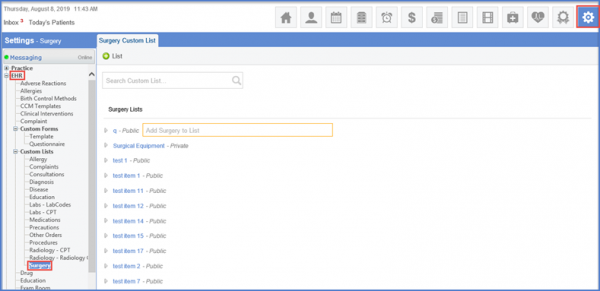
To create a Surgery Custom List, follow the workflow as stated above.
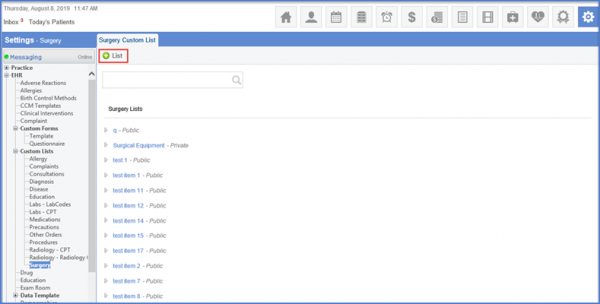
Click the ‘+List’ button, insert the Name and Description along with the Type from the drop down menu.
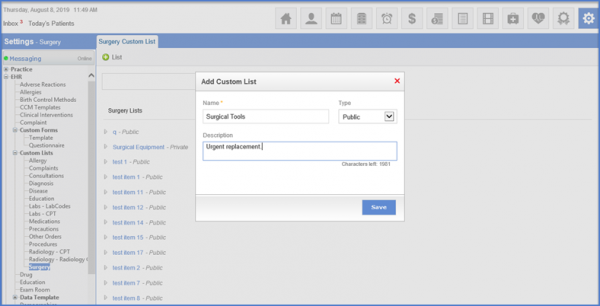
‘Save’ to ensure the fields are saved.
