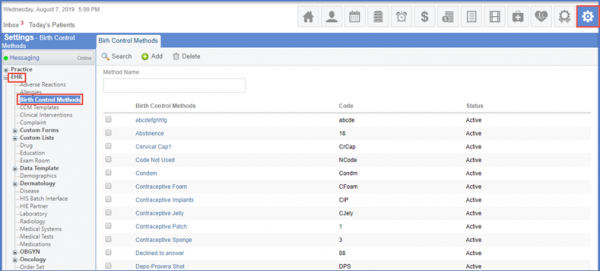
How to Add a Birth Control?
Follow the workflow above to land on the ‘Birth Control Methods’ page.”
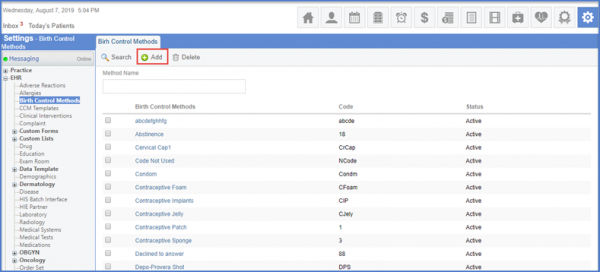
Click ‘Add’ to insert the fields under the Add Birth Control Method tab.
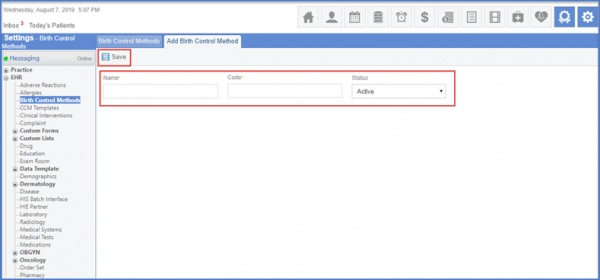
Enter the name, code and status. Click ‘Save’ once done.
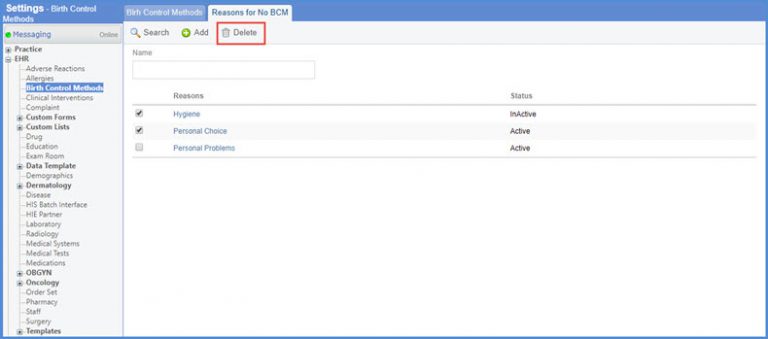
To Add, Edit or Delete reason(s) for not using contraceptives, go to the ‘Reason for No BCM’ tab.
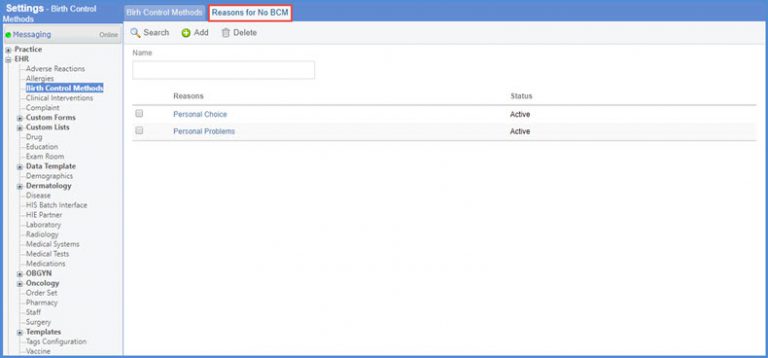
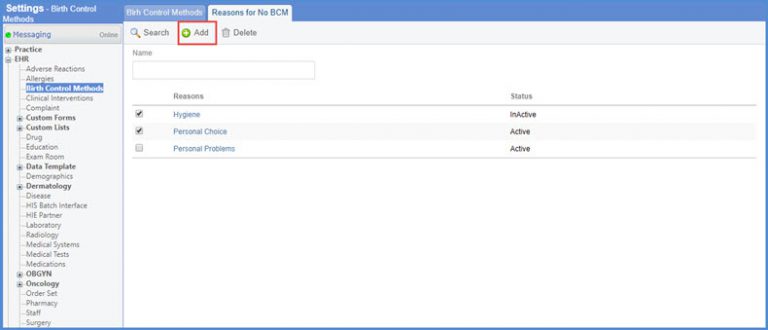
Click ‘Add’ button to add a new ‘Reason for No BCM’.
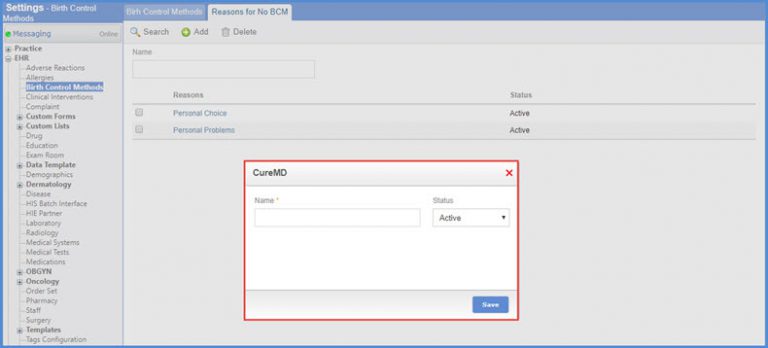
A popup is displayed where user can enter ‘Name’ and ‘Status’ of the reason.
To delete a record, enable the checkbox of the required record, and click ‘Delete’.