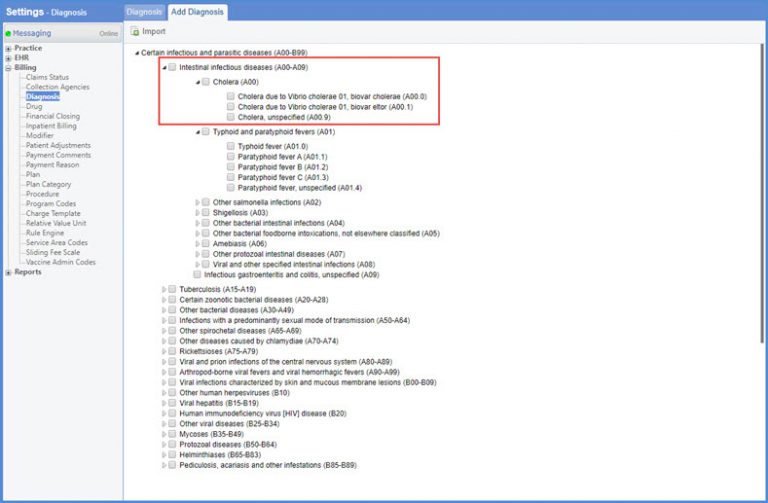
How to Add Diagnosis?
To add a Diagnosis, follow the workflow stated above.
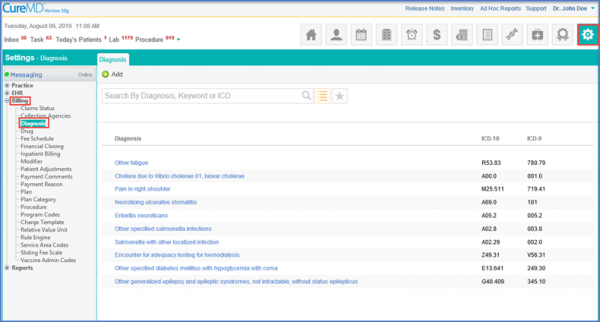
Click on the ‘Add’ button.
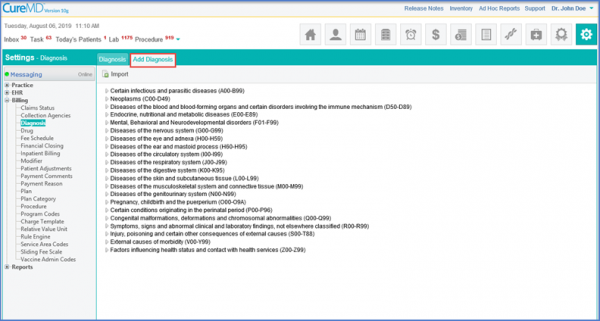
The user can expand any of the listed Diagnosis into its sub categories until the final diagnosis required is displayed. Select the check box next to this Diagnosis.
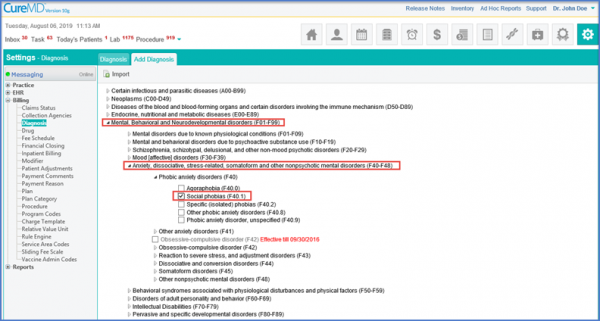
Click ‘Import’ to add it to the list of Diagnosis.
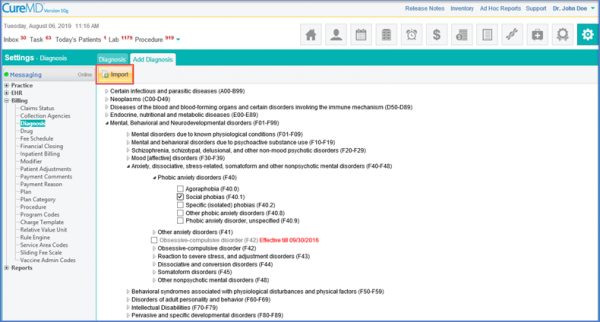
Checkboxes are displayed against each Diagnosis section and series. 
User checkmarks a diagnosis section or series to import.
Upon saving, the whole selected diagnosis section or series is imported into the database.