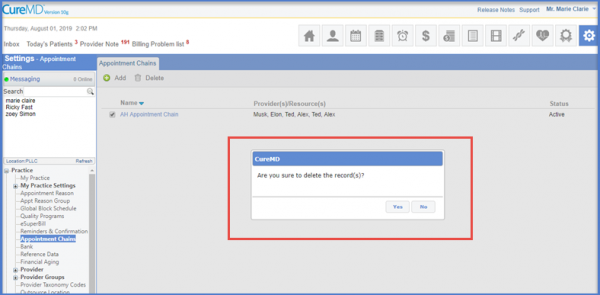
How to Delete an Appointment Chain?
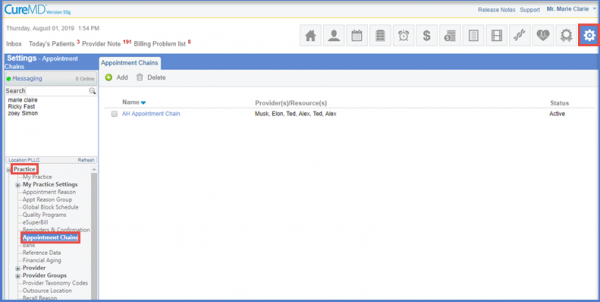
Following the workflow, the user lands on the ‘Appointment Chains’ page.
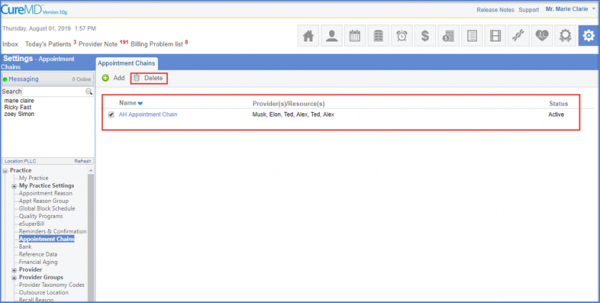
Select the check box next to the Appointment Chain that has to be deleted and click the ‘Delete’ button to perform the action.
After verifying the action, the subsequent record is deleted.