How to Delete Insurance?
Insurance can only be deleted from a patient’s account if the account does not have any charges. This is because insurance is linked to charges once a charge is created.
In such a case insurance cannot be deleted and can only be marked as inactive.
To view insurances, follow the workflow above to land on the insurance screen.
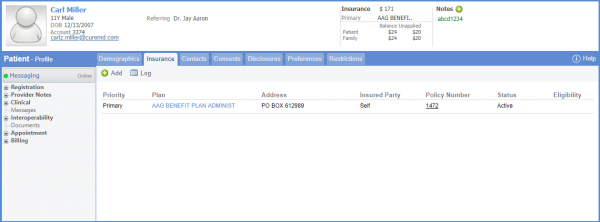
To delete an insurance plan, click ‘Delete’ button.
To mark an insurance as in-active, uncheck the ‘Active’ check box.
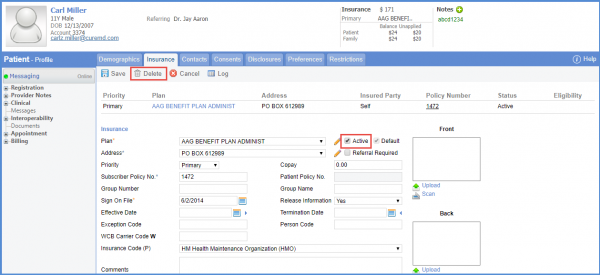
Marking an insurance as Inactive shows the insurance in red text on the Charge page.
