Expanded Appointment Comments Limit to 2,000 Characters
Book or Edit Appointment
Update Appointment Status
Reschedule Appointment
Update Comments from Today’s Patients
Add Comments to Cancelled Appointments
Patient Portal Appointment Requests
What’s New
-
Increased the Appointment Comments character limit from 500 to 2,000 characters.
-
Updated the Characters left counter to start at 2,000 and decrease as users enter text.
-
Expanded comment support across appointment booking, editing, rescheduling, and status management workflows.
-
Comments containing up to 2,000 characters are preserved when appointments are rescheduled or their statuses change.
-
Improved handling of special characters and line breaks within Today’s Patients > Change Status.
-
When a comment exceeds the supported limit in Today’s Patients > Change Status, users are prompted to shorten the text before saving instead of having it automatically truncated.
-
The enhancement supports recurring appointments, chain appointments, Quick Schedule, and other applicable scheduling workflows.
-
Existing appointment scheduling functionality remains unchanged.
How It Works
-
Open the Scheduler and navigate to the applicable appointment.
-
Create a new appointment or open an existing appointment for editing.
- Locate the Comments field.
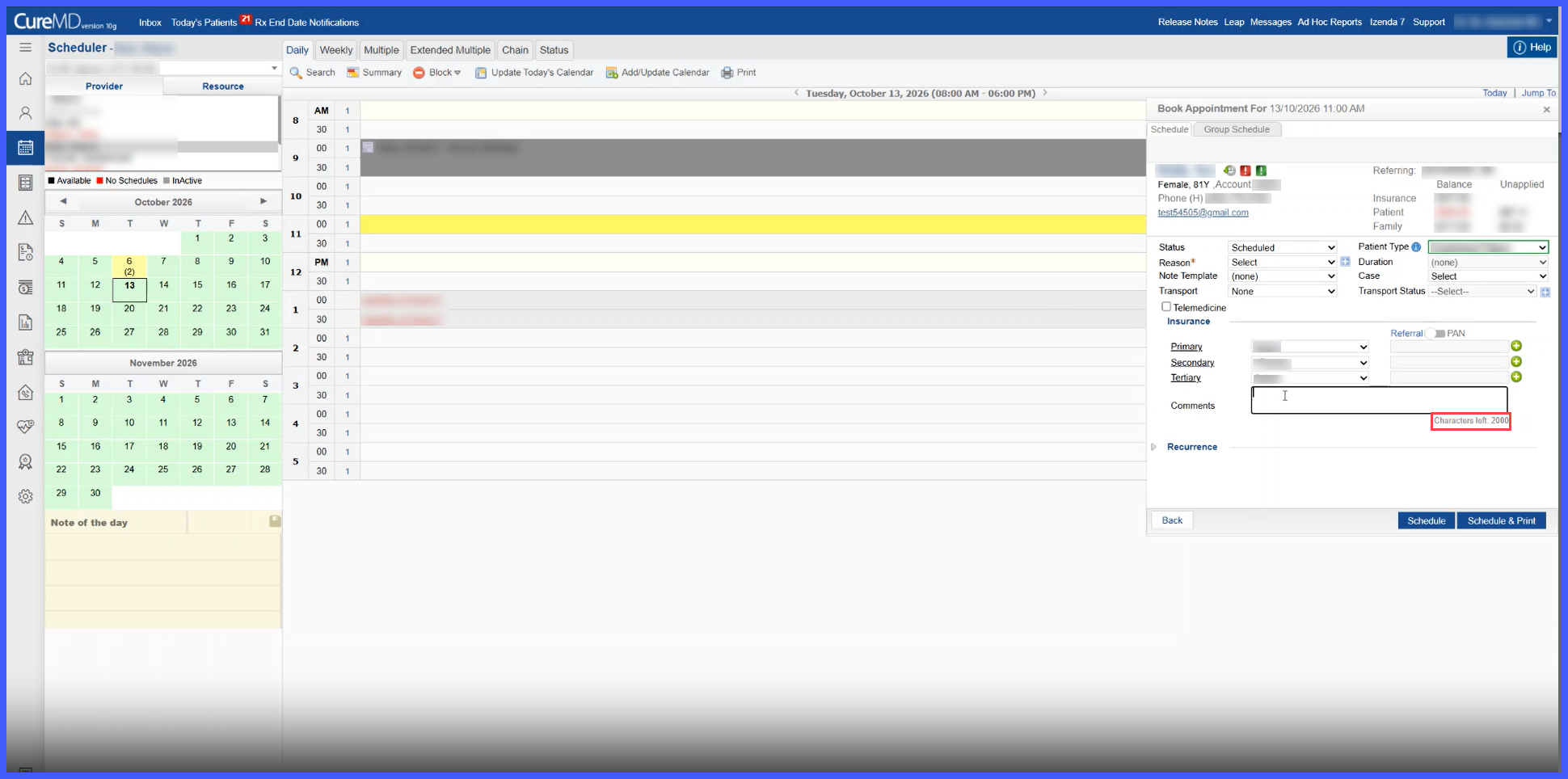
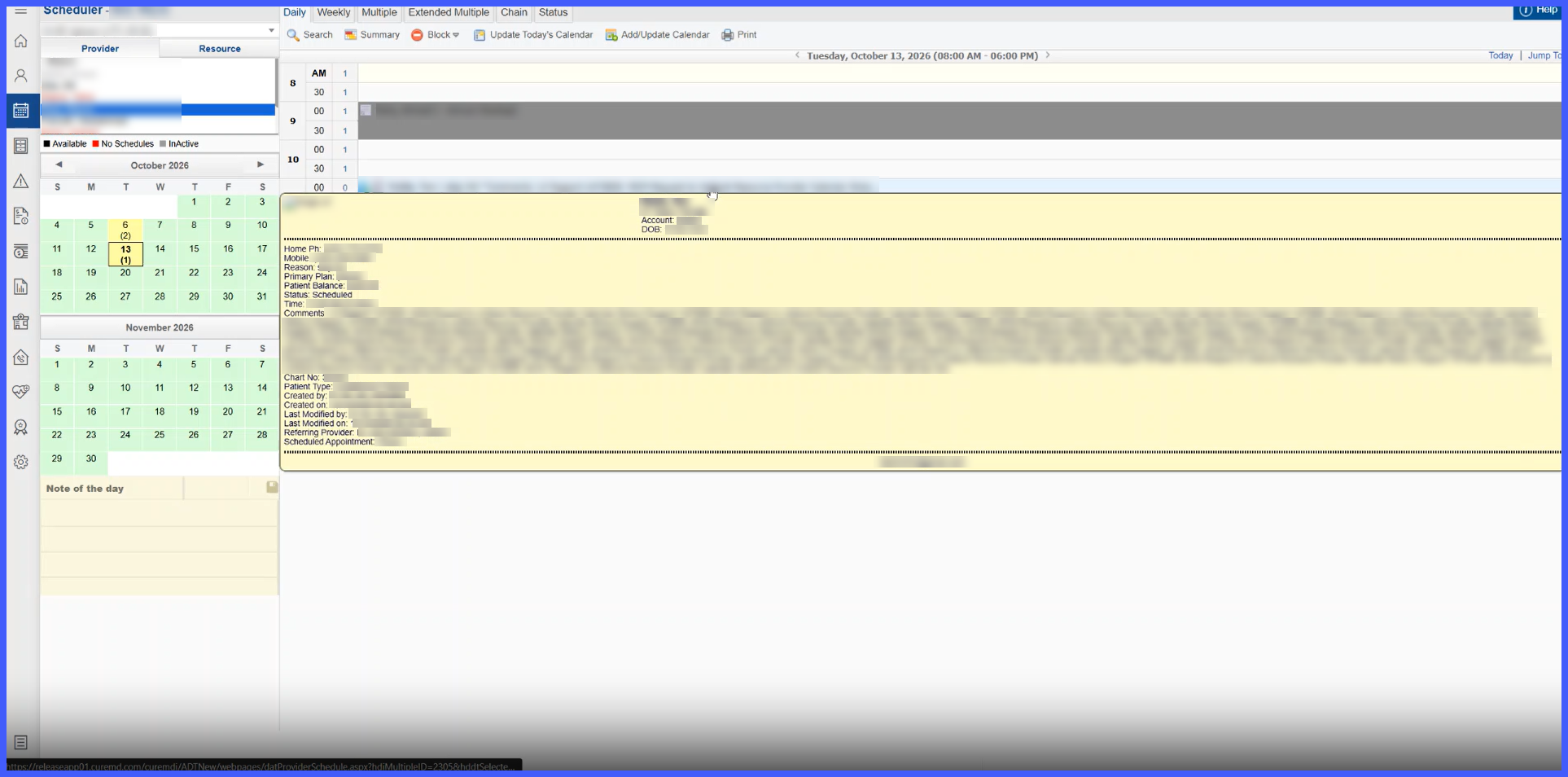
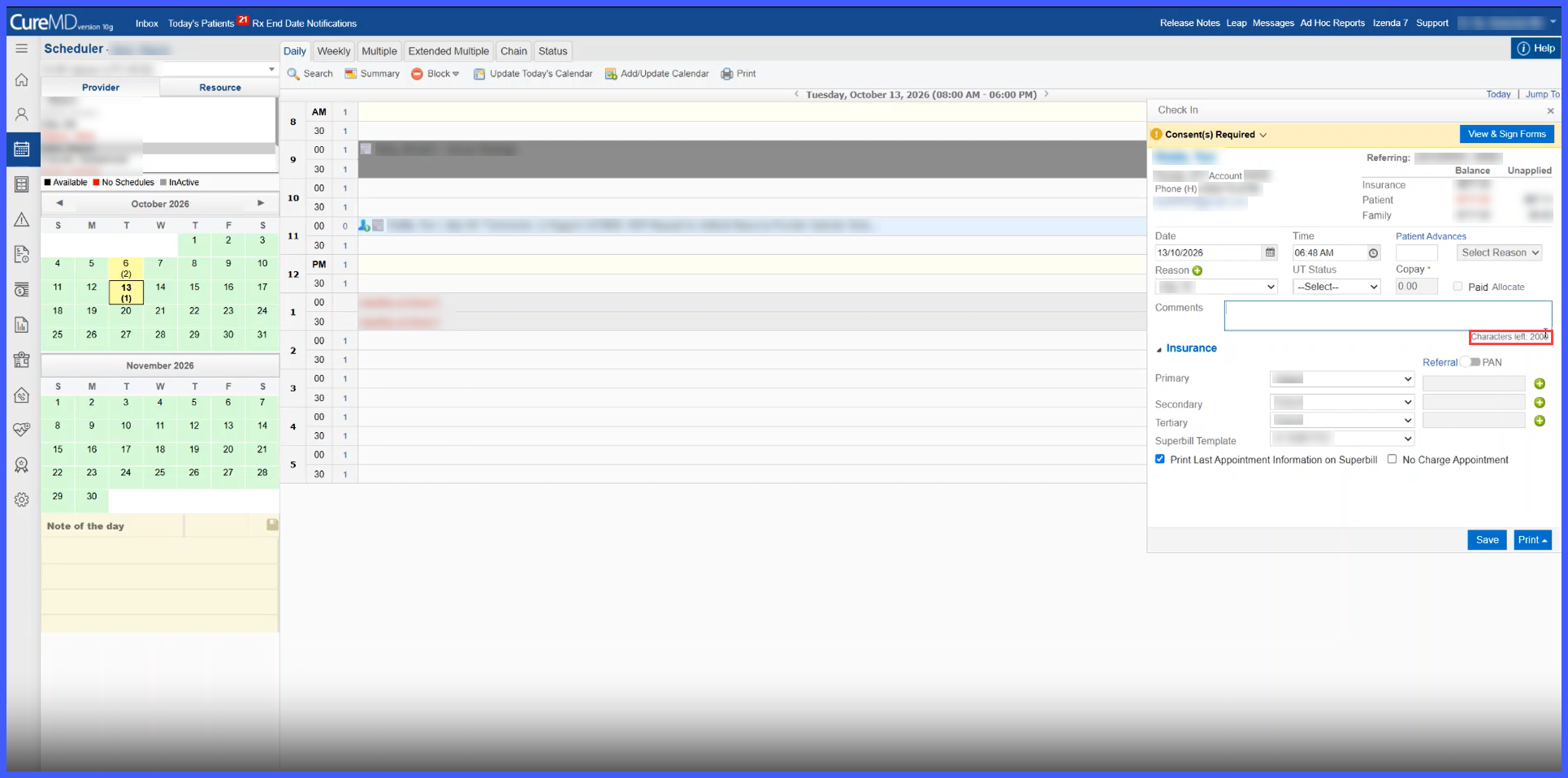
- Enter the required appointment notes, patient communication details, or pre-certification information.
-
The Characters left counter displays the remaining allowance out of 2,000 characters.
-
Save the appointment using the existing workflow.
-
When the appointment is subsequently rescheduled or its status is updated, the saved comment is preserved within the supported character limit.
Benefits
-
Allows staff to document more complete patient conversations and scheduling instructions within a single appointment comment.
-
Provides additional space for pre-certification and authorization-related details.
-
Reduces the need to shorten or omit important information because of character restrictions.
-
Preserves previously documented comments when appointments are rescheduled or their statuses change.
-
Improves visibility into remaining character capacity through the updated counter.
-
Helps prevent accidental loss of information by warning users before overlong comments are saved in the supported Change Status workflow.
-
Maintains consistent comment handling across supported scheduling workflows.
