Enhanced CCDA Reconciliation with Supported Section Validation and Component-Level Error Handling
Access CCDA Tracking
Review Imported CCDA
Review Validation Errors
Reconcile Valid Components
What’s New
- Added validation to identify supported reconciliation sections during eMessage CCDA import.
- Unsupported CCDA sections are automatically skipped without interrupting the import process.
- Supported sections continue through the existing reconciliation workflow.
- Introduced component-level validation handling for:
- Allergies
- Medications
- Problems
- Header validation errors continue to block reconciliation of the entire CCDA document.
- When Header data is valid, errors within individual clinical components no longer prevent other valid components from being reconciled.
- Components containing validation errors are excluded from reconciliation.
- Validation errors are displayed alongside their corresponding clinical components.
- Existing reconciliation behavior remains unchanged for supported components that pass validation.
How It Works
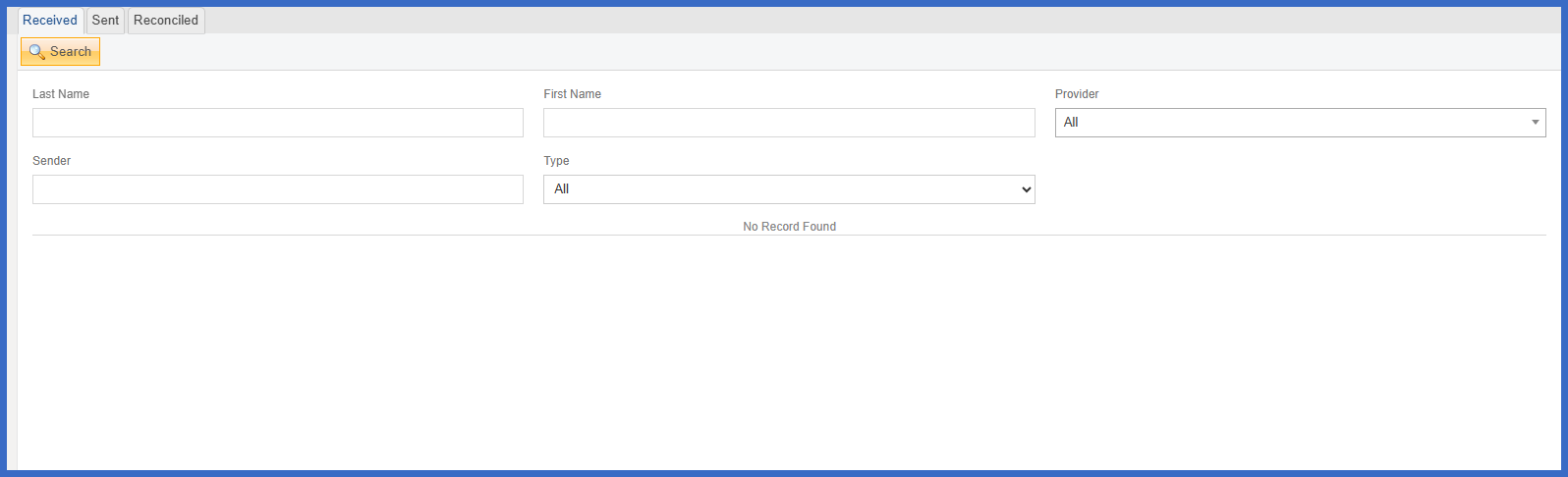
- Navigate to Personal > Administration > CCDA Tracking.
- Locate the CCDA document received through eMessage.
- During import, CureMD evaluates the document’s reconciliation sections against the supported section list.
- Unsupported sections are skipped automatically, while supported sections proceed through validation.
- The system validates the CCDA Header data and the applicable Allergies, Medications, and Problems components.
- If Header validation fails, the system displays general CCDA validation errors and prevents reconciliation of the document.
- If the Header is valid but one or more clinical components contain errors, the system displays the errors within their respective components.
- Components with validation errors are excluded, while valid components remain available for reconciliation.
- If all supported components pass validation, reconciliation proceeds through the existing workflow.
 Benefits:
- Reduces unnecessary validation failures caused by unsupported CCDA sections.
- Allows users to reconcile valid clinical components without being blocked by errors in unrelated components.
- Provides clearer visibility into validation errors by identifying the affected clinical component.
- Maintains document-level validation safeguards for invalid Header information.
- Reduces the need to abandon reconciliation of an entire document because of isolated clinical data issues.
- Improves the reliability and consistency of eMessage CCDA imports.
- Supports more efficient reconciliation of Allergies, Medications, and Problems within patient records.
- Preserves existing reconciliation functionality for supported and valid CCDA sections.
