Multi-Select Provider Filter for Draft Prescriptions
Personal Draft Prescriptions
Administration Draft Prescriptions
Clear Provider Selections
What’s New
- Added a Provider filter under Personal > Draft Prescription, alongside Last Name, First Name, and Date.
- The Provider filter now supports selecting multiple providers in both Personal and Administration.
- Search results include draft prescriptions associated with any of the selected providers.
- When three or fewer providers are selected, their names appear in the field, separated by commas.
- When more than three providers are selected, the field displays a count of selected providers out of the total available.
- Hovering over the selection count displays the complete list of selected providers.
- Selecting Clear removes all provider selections and resets the field to “– Select –“.
- Search results update only when the user clicks Search.
How It Works
-
Navigate to Personal > Draft Prescription or Administration > Draft Prescription.
- Locate the Provider filter alongside the existing search criteria.
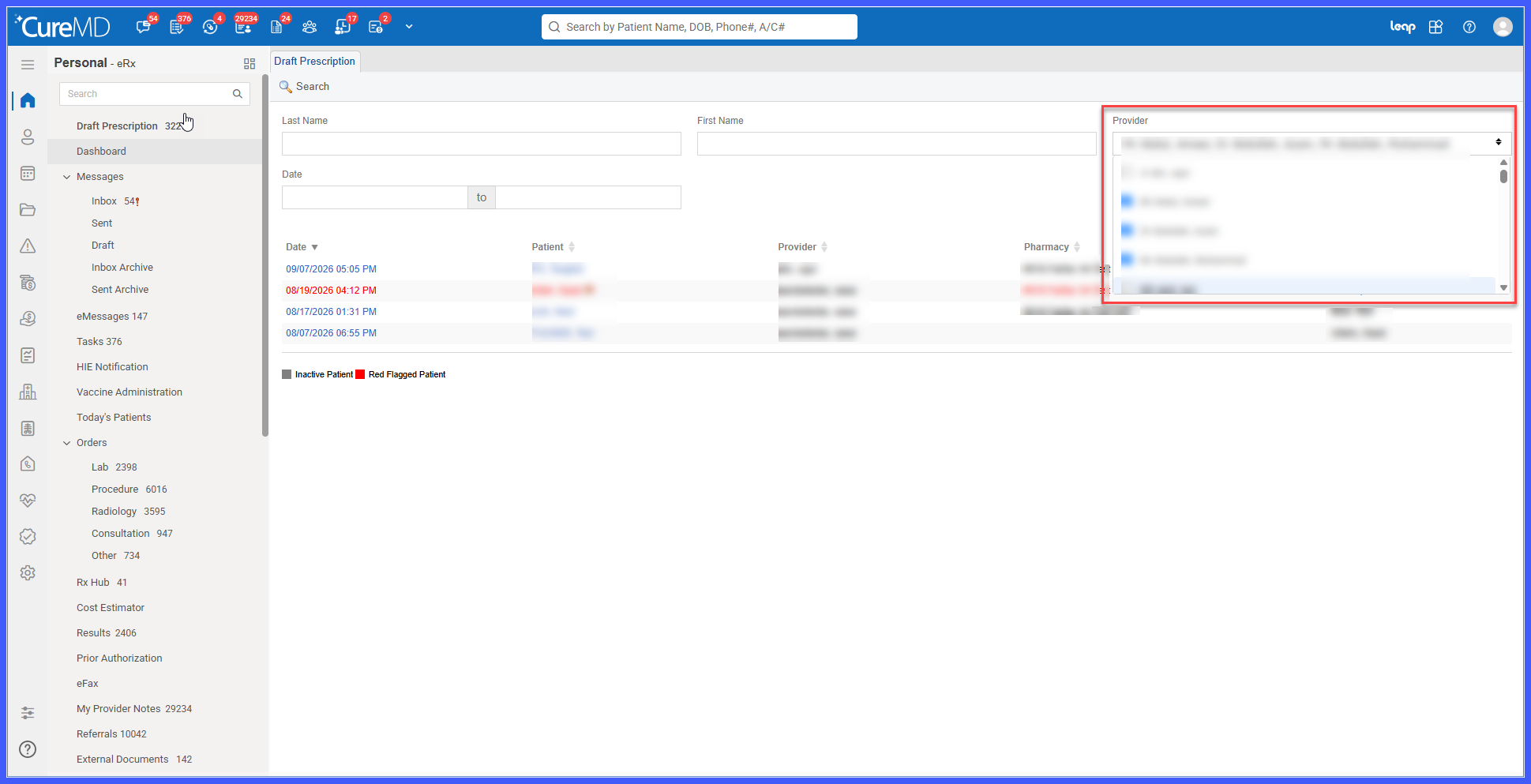
- Open the Provider dropdown.
- Select one or more providers whose draft prescriptions you want to review.
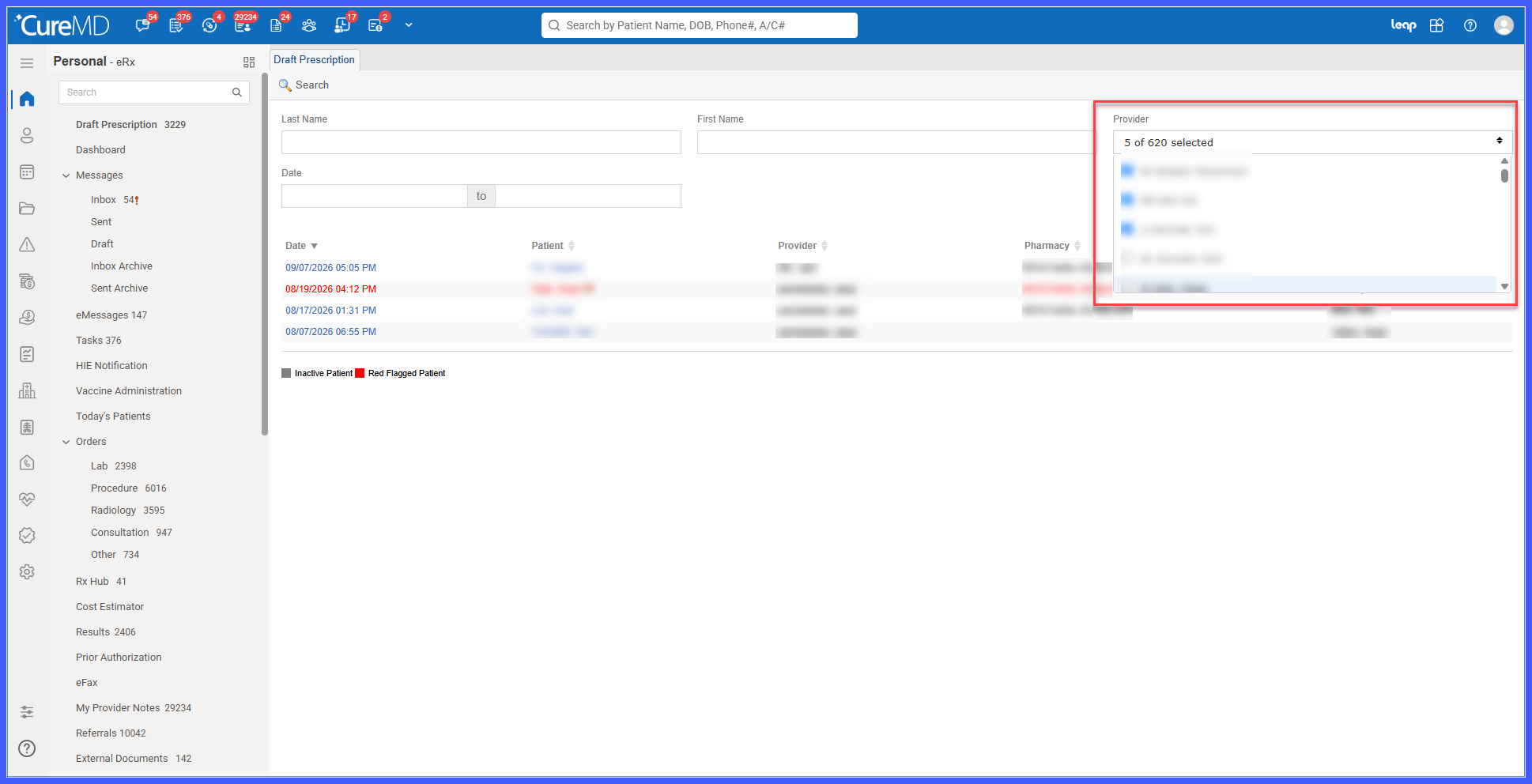
- The field displays the selected provider names or a selection count, depending on the number selected.
-
Click Search to retrieve draft prescriptions associated with the selected providers.
-
To modify the search, update the provider selections and click Search again.
-
Select Clear to remove all selected providers and reset the field to its default state.
Benefits
-
Allows users to filter draft prescriptions by provider directly from the Personal module.
-
Enables users to review draft prescriptions for multiple providers in a single search.
-
Eliminates the need to perform separate searches for individual providers.
-
Provides consistent Provider filter functionality across Personal and Administration.
-
Makes it easier to manage multiple provider selections through a consolidated dropdown.
-
Reduces the time and effort required to locate draft prescriptions across providers.
