Yale-Brown Obsessive Compulsive Scale (Y-BOCS) Assessment
Complete Y-BOCS from Patient Clinical
Configure Y-BOCS in a Note Template
Use Y-BOCS in Provider Notes
What’s New
- Initial and Follow-up Y-BOCS assessment forms are now available.
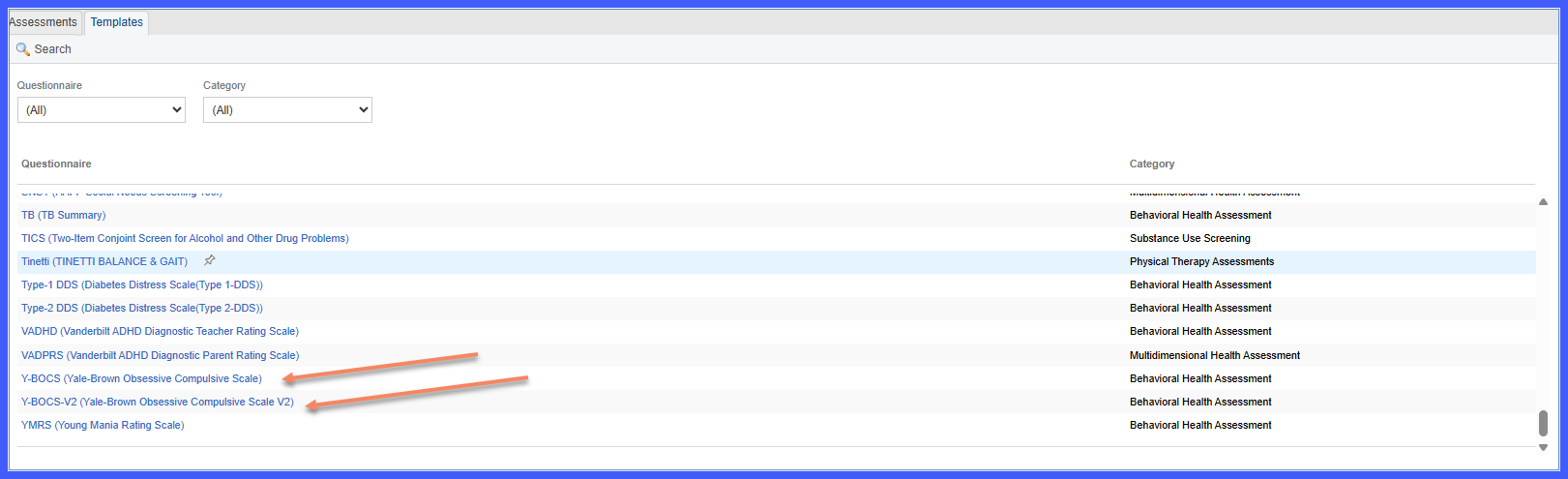
- Y-BOCS is categorized under Behavioral Health Assessments.
- Scoring and assessment rules are applied according to the configured Y-BOCS assessment criteria.
- The assessment can be launched directly from the Patient Clinical workflow.
- Y-BOCS can be incorporated into Note Templates.
- The assessment is supported within Provider Notes.
- Completed assessment results are retained as part of the patient’s clinical documentation.
How It Works
- Navigate to the Patient Clinical workflow and open Behavioral Health Assessments.
- Select the appropriate Y-BOCS assessment: Initial or Follow-up.
- Complete the applicable assessment fields.
- The system applies the configured Y-BOCS scoring and assessment rules.
- Save the assessment to retain the results within the patient’s clinical documentation.
- Y-BOCS can also be added to a Note Template for use within Provider Notes.
Benefits
- Supports standardized evaluation of obsessive-compulsive symptoms.
- Improves consistency of behavioral health documentation.
- Reduces reliance on manual assessment workflows.
- Provides Initial and Follow-up assessments to support ongoing patient evaluation.
- Makes Y-BOCS available across Patient Clinical, Note Template, and Provider Note workflows.
