Patient > Results > Procedure Result Report > Preview/Print > Header Displays Practice Details
What’s New
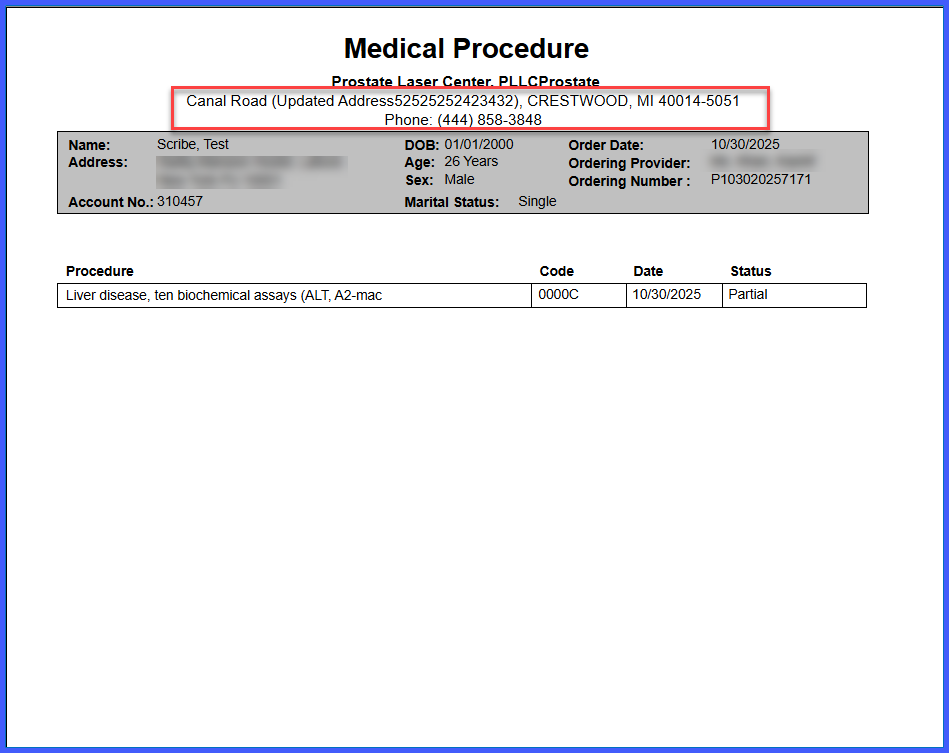
- When Printing Procedure Result, it now display the following practice details:
– Address
– City
– State
– Zip
– Phone number
- Practice information is dynamically pulled from Practice > My Practice settings.
- Applies specifically to Procedure Result Reports.
How It Works
- Generate or preview a Procedure Result Report.
- The report header automatically includes practice address and contact details.
- The system retrieves this information from Practice > My Practice settings.
- Any updates made in Practice settings are reflected in newly generated reports.
Benefits
- Ensures reports include complete and standardized practice information.
- Eliminates the need for manual entry of address and contact details.
- Keeps report headers accurate by dynamically reflecting current practice settings.
