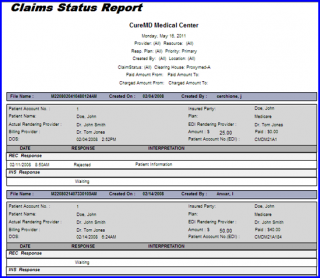
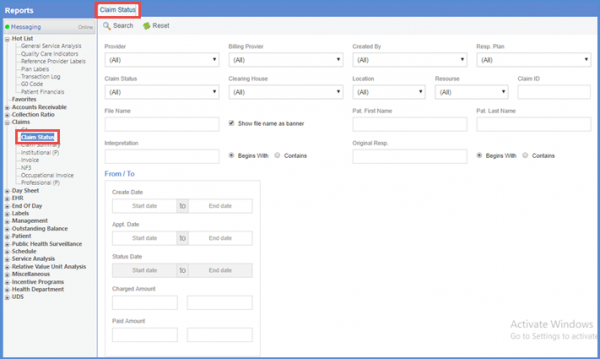
The Claims Status report gives user the access to same information previously accessible only through EDI Files in Settings. User can search for claims and check their existing statuses including the responses received from the clearing house and insurance companies.
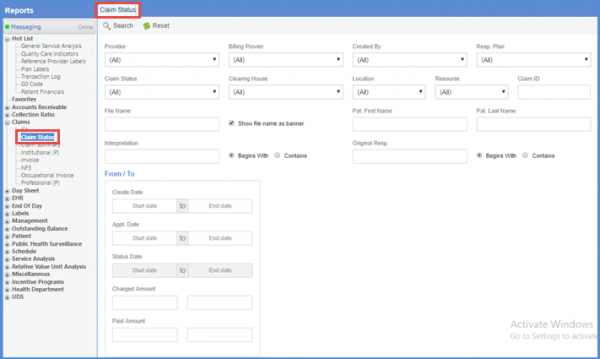
To access Claim Status Report, click ‘Claim Status’ from the navigation panel on the menu.
Claim Status
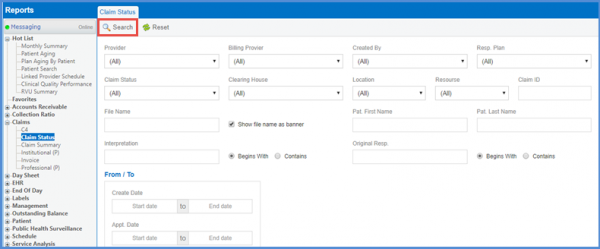
Enter the desired search criteria to run the report on, click the ‘Search’ button under Claim Status tab.
Claim Status – Search
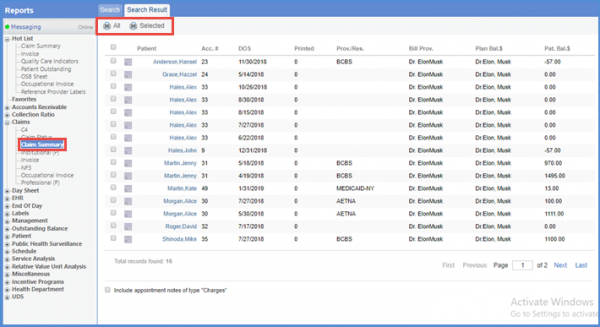
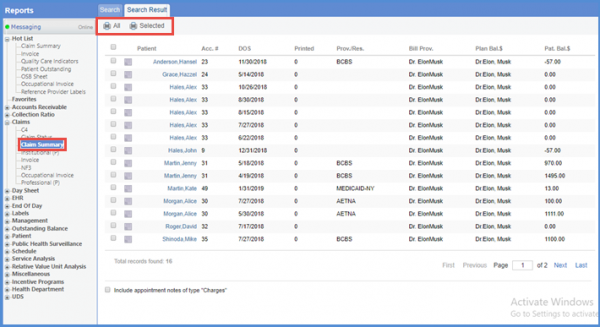
User can select patients by marking the checkbox against the patient’s name.
Print Claim Status Reports
To run a report for all the results, click ‘Print All’. Otherwise, click ‘Print Selected’ to print the selected results.