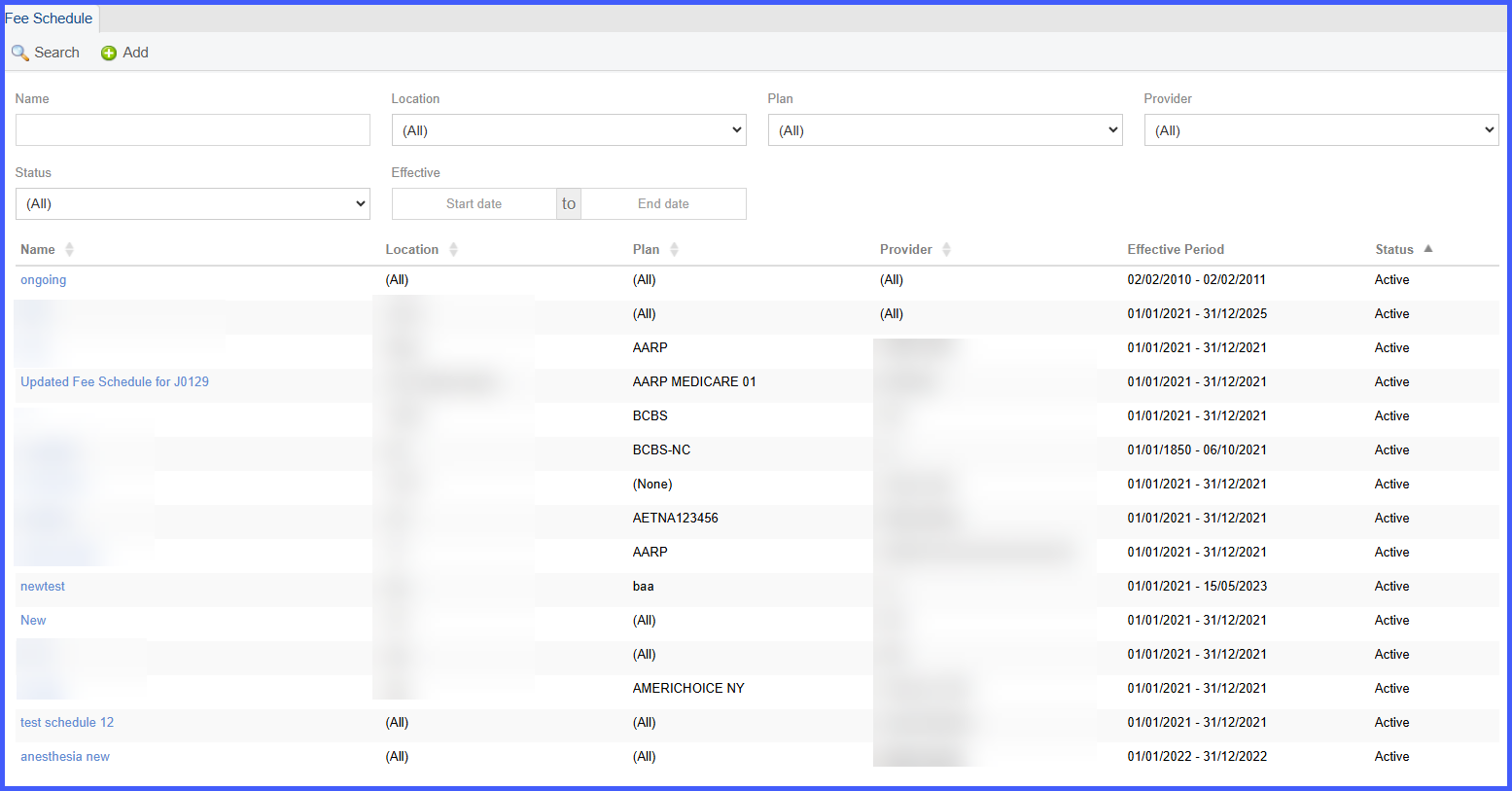
Effective Period Display in Fee Schedule Listing Under Billing Settings
When the user navigates to Settings > Billing > Fee Schedule, each row in the list view displays an Effective Period column immediately following the Provider column. This column shows the Start Date – End Date for each fee schedule. If an end date is not defined, the system displays the period as Start Date – Ongoing. The date format follows the system’s configured format (e.g., MM/DD/YYYY). This field is view-only and cannot be edited from the listing screen. Adding the Effective Period column does not affect existing filtering, sorting, calculations, or fee schedule behavior elsewhere in the system.