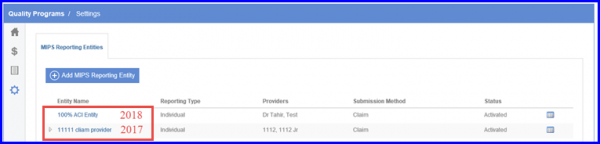
How to Restrict Entities By Category on MIPS Dashboard?
To meet the changes in MIPS reporting criteria user has to submit Quality data for the complete reporting year instead of a period of 90 days as in 2017. Also note that Improvement Activities and Advancing Care Information can still be reported for periods of 90 days.
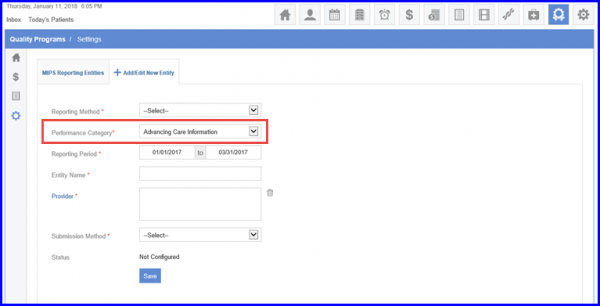
In order to do this CureMD has added a new field named Performance Category to help user create category specific MIPS entities on MIPS Reporting Entities screen.
Users can also view the Performance Category on MIPS Reporting Entities screen.
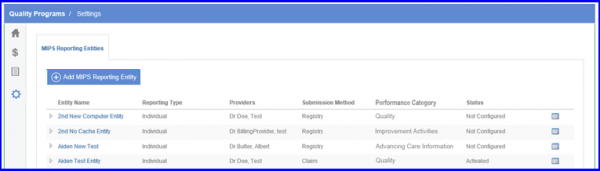
Furthermore, configurations for 2018 entities are disabled.