How to Mark Implantable Devices Active/Inactive?
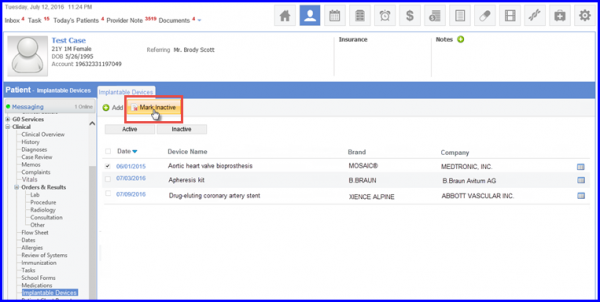
The user is able to mark an active device as inactive by selecting the record and clicking on the Mark as Inactive tab.
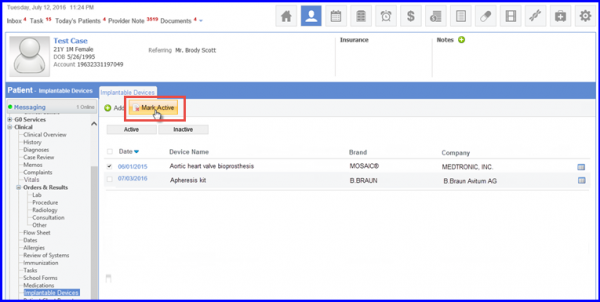
Similarly, the user can also mark an inactive device as active by clicking on the Mark Active tab.