What is the Alert Notification Counter?
Users can view notifications for resolved or updated tickets.
Log into the application and click the ‘Support’ link on the application header. A counter will be displayed which signifies the number of support tickets updated for the specific user.
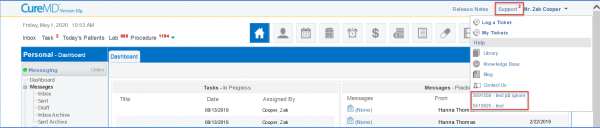
Click on the required ticket to open the detailed view in a new window.
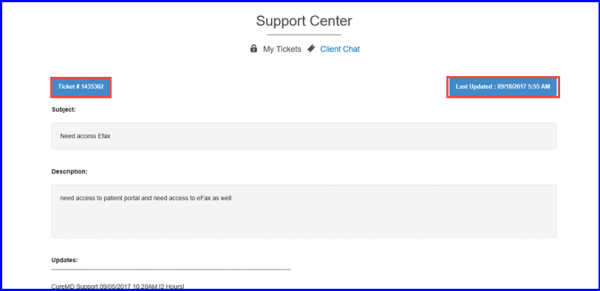
Users can view when the ticket was ‘Last Updated’.
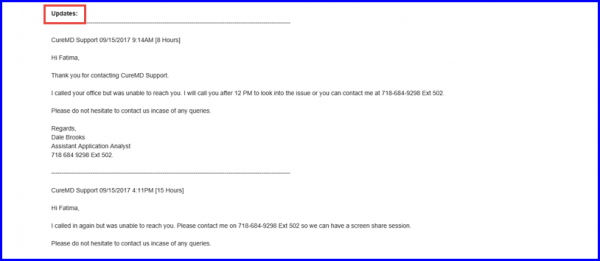
Scroll down to view the client chat, which contains detailed information about when CureMD Support has tried to contact and responded to the Support Ticket issue.