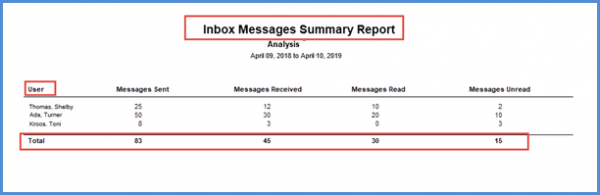
What is Practice Messages Report?
Users can generate ‘Practice Messages’ report for internal practice messaging activities.
However, access rights need to be enabled to view this report. To see how that is done, click here.
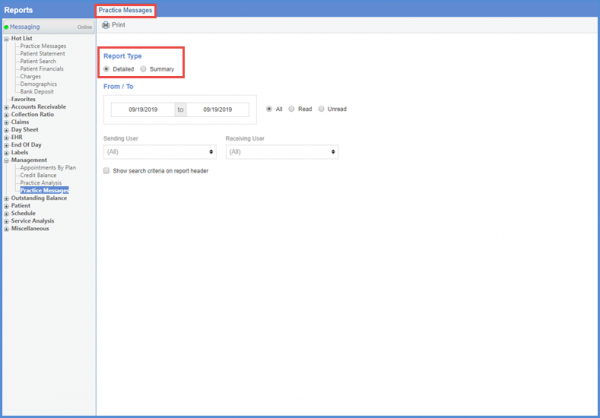
Follow the above mentioned workflow to land on the ‘Practice Messages’ tab.
Under the ‘Report Type’ section, select the required report type by enabling the appropriate radio button.
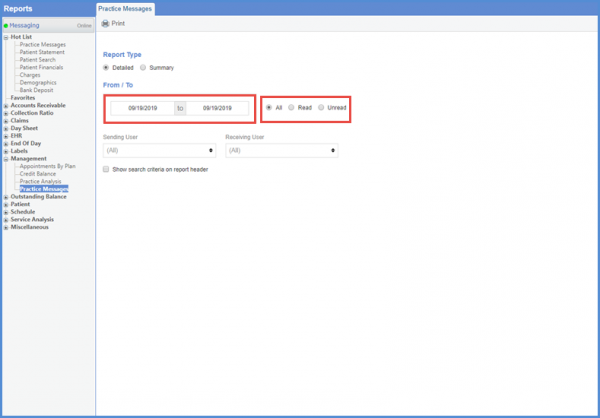
In the ‘From/To’ section, select the date relevant range.
Use the ‘All’, ‘Read’, and ‘Unread’ radio buttons to filter the messages accordingly.
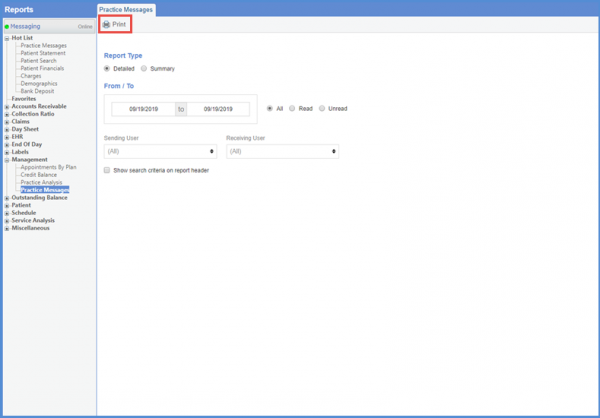
In order to generate a ‘Detailed’ report, select the ‘Sending’ and ‘Receiving’ user from the relevant drop down.
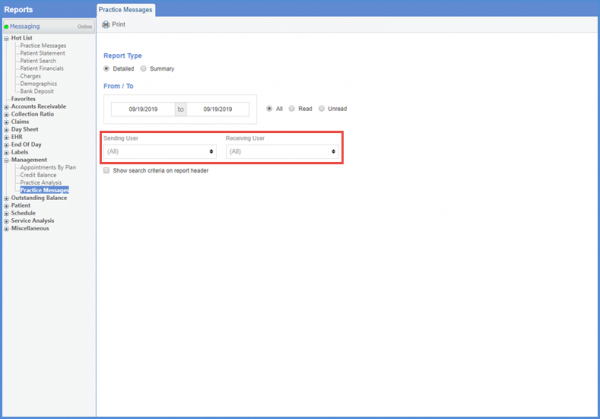
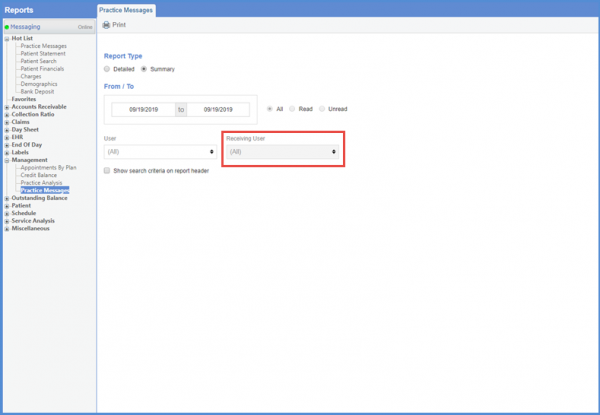
However, for the ‘Summary’ report, ‘Receiving User’ field is grayed out.
Once the required search criteria is selected, click ‘Print.’
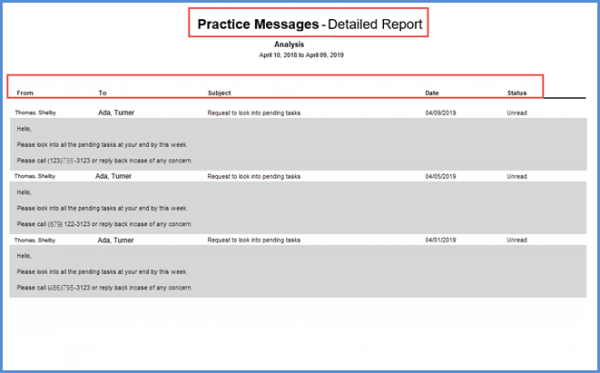
The ‘Practice Messages – Detailed Report’ displays a detailed view of the internal practice messaging activities.
Furthermore, the ‘Summary’ report displays the count of all messages.