How to Select Supervising Provider?
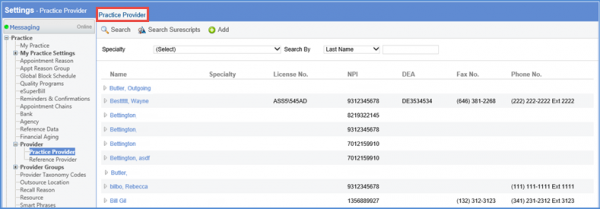
Follow the above mentioned workflow to land on the ‘Practice Provider’ page.
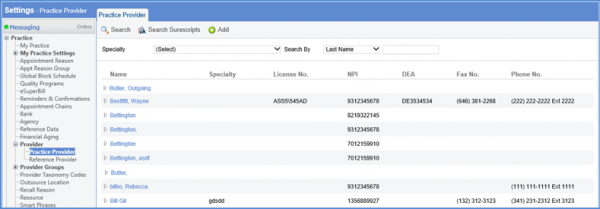
From the Practice Provider tab, select a provider profile.
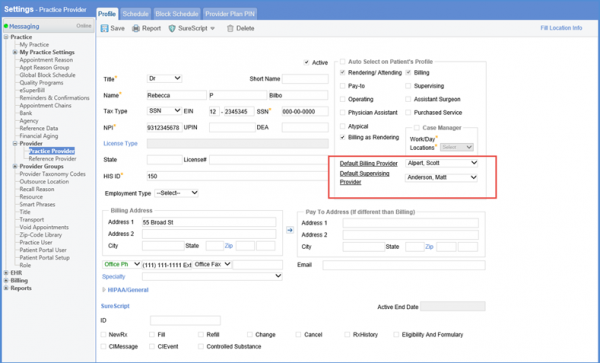
From the ‘Profile’ tab, select the supervising provider using the ‘Default Supervising Provider’ dropdown.
The supervising provider name is displayed on the ‘Rx Pad’ screen, click here to view.
