How to Add a NF3 Forms List?
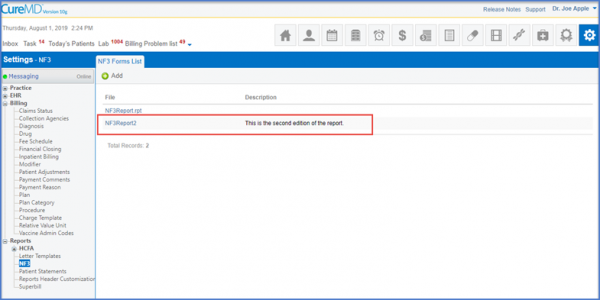
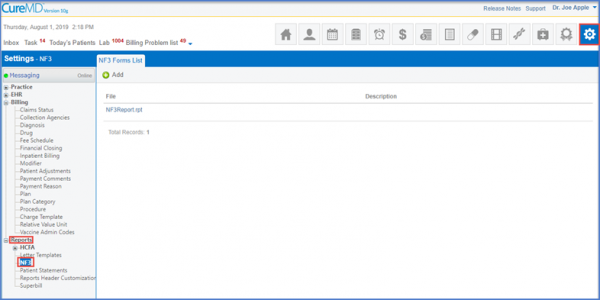
Follow the workflow above to land on the ‘NF3 Forms List’ screen.
Click the ‘+Add’ button.”
This will display the ‘Add NF3 Form’ screen.
Go to the ‘Select File’ dropdown and select the appropriate file from the dropdown menu.
Add required description in the ‘Description’ field.
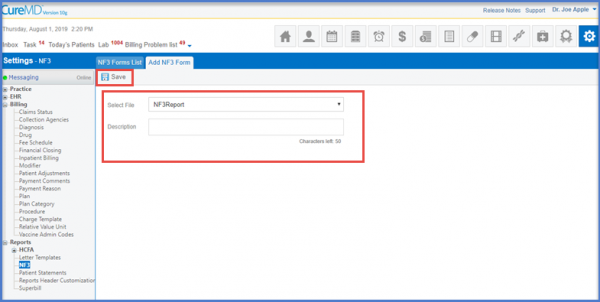
Once done, click Save. The NF3 form will be displayed in the form list.