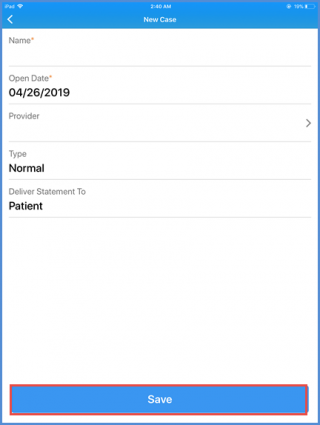
How to Create a New Case?
Providers can create a new case to associate various provider notes with. To create a new case, log in to the Avalon application and from the main profile, navigate to the ‘Clinical’ tab.
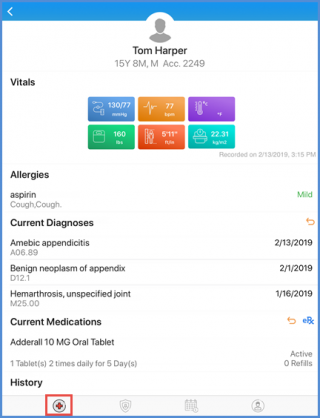
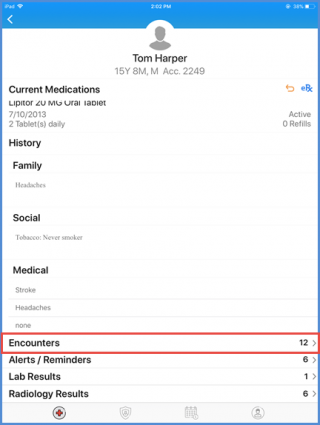
Here, scroll down and tap on the ‘Encounters’ component.
On the Encounters screen, tap on ‘Create Note’.
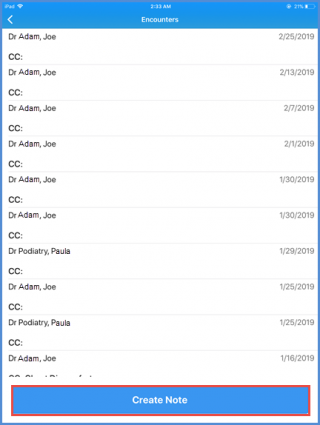
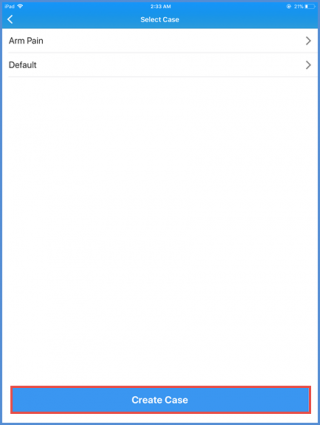
This takes the user to the cases created for the selected patient. To create a new case, tap ‘Create Case’.
On the ‘New Case’ screen, enter the Name, Open Date and Type. Also, select the provider this case is assigned to as well as who the statement is to be delivered to.
Once all details have been entered, tap ‘Save’.