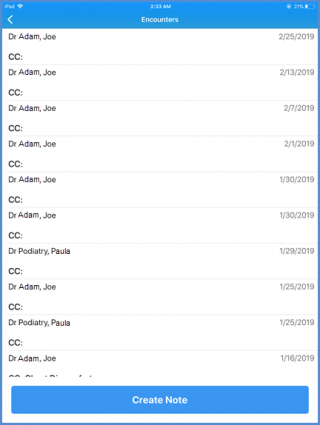
How to View Provider Notes?
Users can view the provider notes for a particular patient in the ‘Clinical’ tab.
To do so, select a patient from the hotlist or search for one. To see how to search a patient, click here.
Once in the patient profile, navigate to the ‘Clinical’ component.
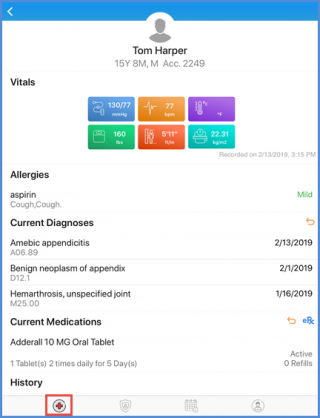
Scroll down and tap on the ‘Encounters’ component.
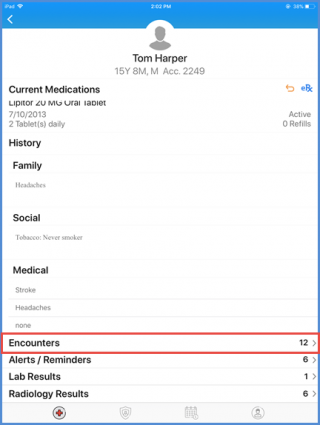
On the Encounters screen, users can see all the provider notes created for the selected patient. Tap on a provider note to see details.