How to Add a Recall Reason?
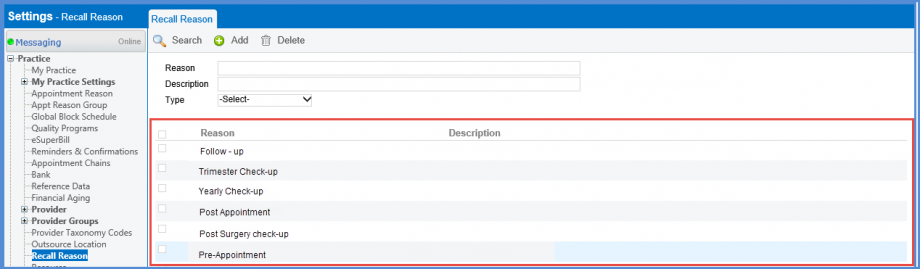
Follow the workflow above to land on the Recall Reason page.
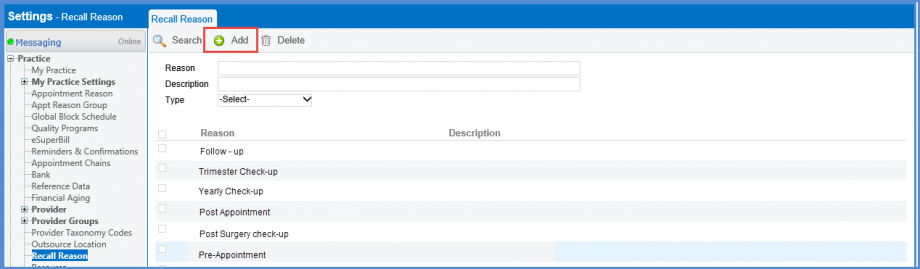
To add a new recall reason, click on ‘Add’.
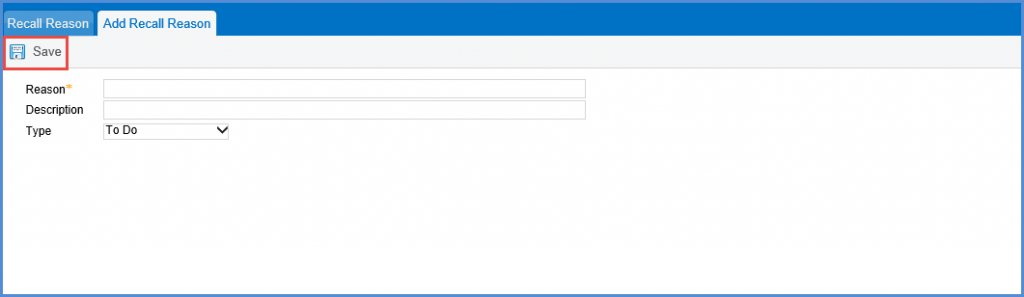
On the Add Recall Reason screen, select the name and type of the reason.
Click Save when done.
To Edit a recall, select one from the list, make changes and click Save.