What is Fax Status Log?
Follow the workflow mentioned above to land on the ‘Fax Status Log’ screen.
This contains a log of all incoming and outgoing faxes.
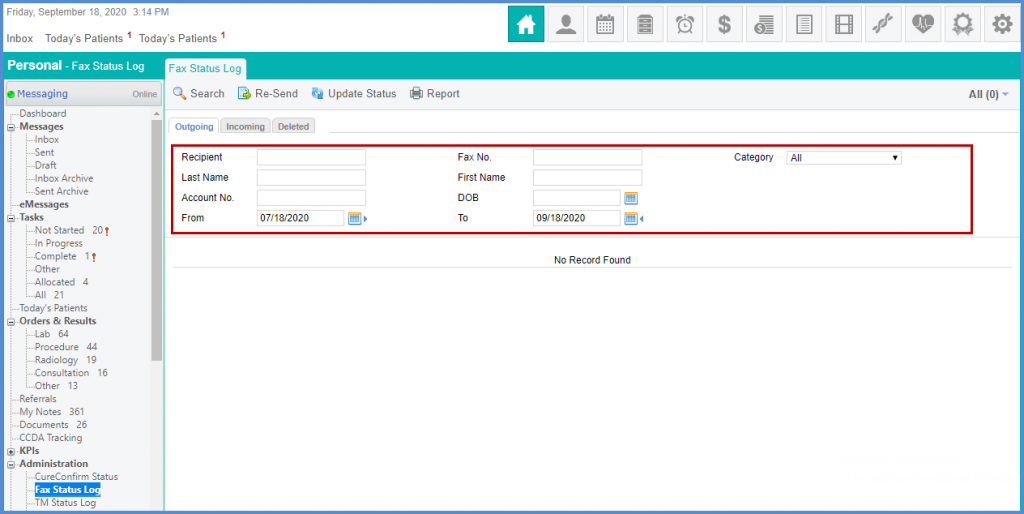
Users are able to search for faxes by following:
- ‘Recipient/Sender’
- ‘Fax Number’
- ‘Category’
- ‘Last Name’
- ‘First Name’
- ‘Date Range’
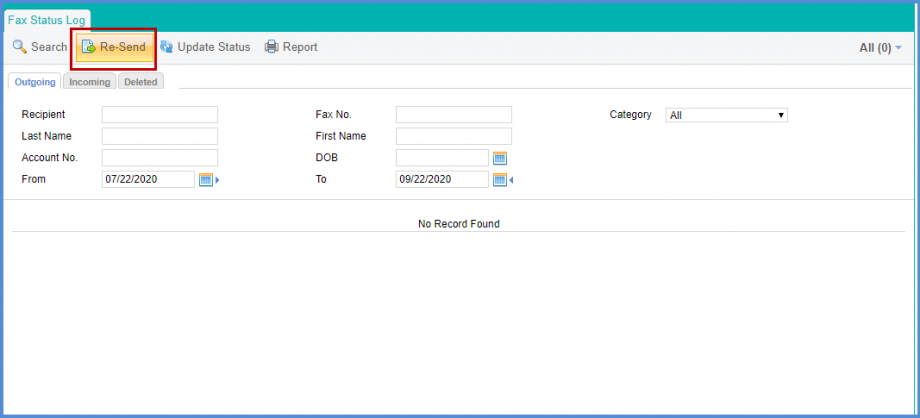
Faxes can be resent using the ‘eFax’ service.
On the ‘Fax Status Log’ screen, select the required record and click the ‘Resend’ button.
A popup will be displayed with a notification of the fax being re-sent.
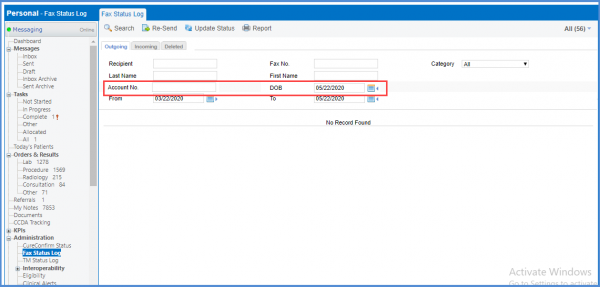
Users can search fax status log by patient’s account number or date of birth. 
Enter the patients Account No. and DOB in the respective fields.
Then click Search.