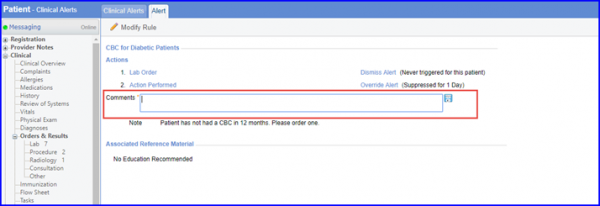
How to Add Comments for Action Performed?
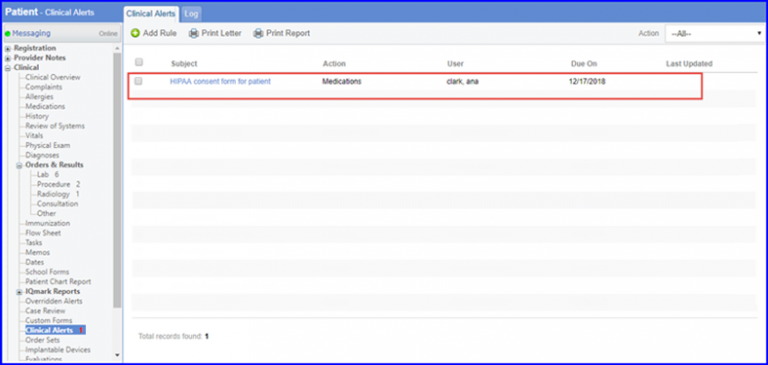
Follow the workflow above to land on the ‘Clinical Alerts’ screen. Click on the required clinical alert to open the ‘Alert’ page.
At Alert page, user can enter comments for action performed by clicking ‘Action Performed’. Here, user can write comments and save by clicking ‘Save’ icon.