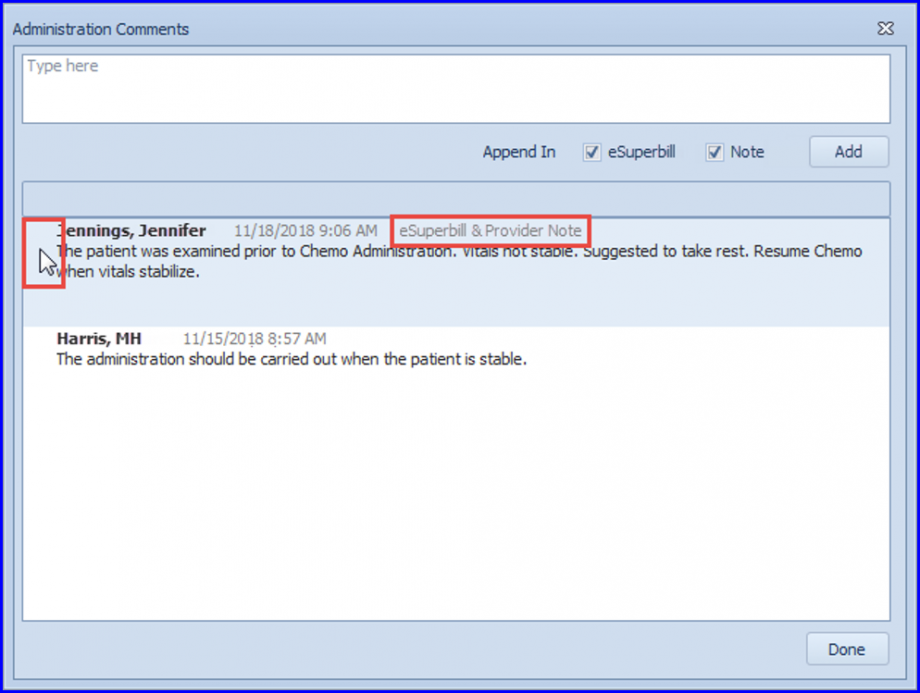
How to Delete Administration Comments?
Follow the above workflow to land on ‘Chemotherapy Administration’ page.
Here, the format of Administration comments is enhanced. Also, users are able to delete the Admin related comments.
Click on ‘Comments’ in action toolbar to open administration comments pop-up.

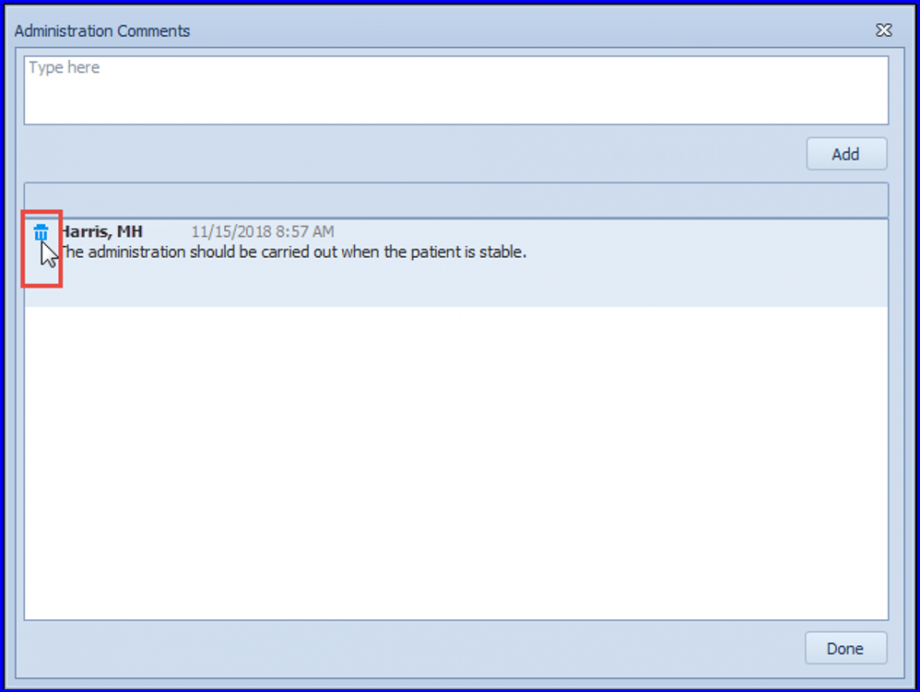
The “Delete” icon is visible with the comment upon mouse hover.
The users are not able to delete the comments which have been appended in the eSuperbill or Provider note, hence, the “Delete” icon is not visible for them.